Moving a product from 3D design into testing and manufacturing can get complicated when teams lose track of which model or revision is current. Siemens NX connects design, simulation, and manufacturing workflows around product data, helping teams keep work aligned as a product moves through development.
You may be comparing engineering software, learning NX, or checking whether it fits your team. This overview looks at its capabilities, workflows, product options and costs, hardware considerations, and alternatives. If you’re also evaluating Siemens engineering tools, see the guide to Siemens TIA Portal V20 Update 4 features.
Table of Contents
What Siemens NX does, from design to manufacturing
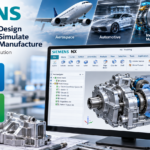
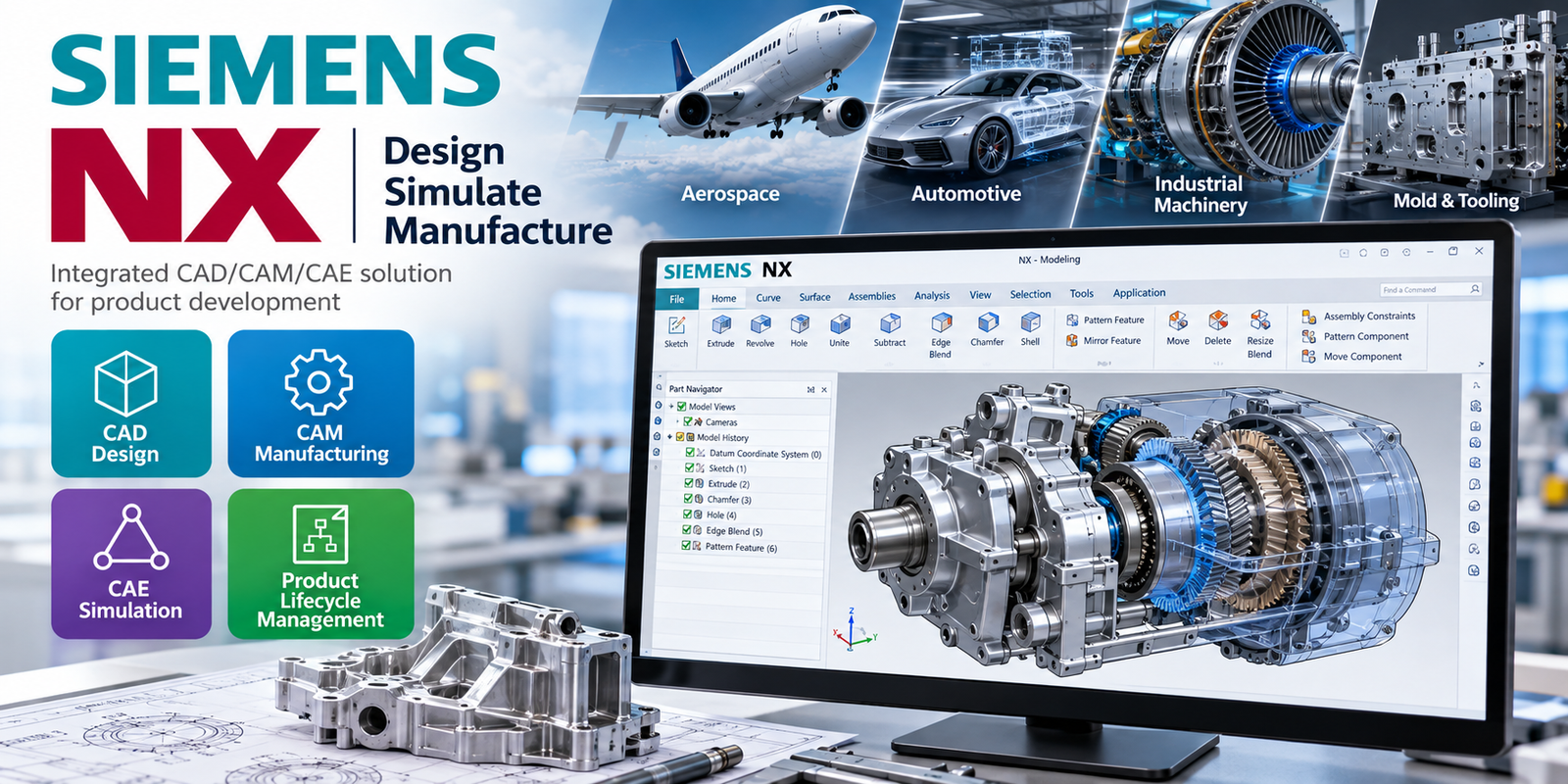
Siemens NX is an engineering software environment for designing, testing, and making products. Siemens also uses the Designcenter NX name in current product materials. Its connected CAD, CAM, and CAE workflows can help teams carry product data into engineering analysis and production planning, but the tools available depend on the product, tier, and license you purchase.
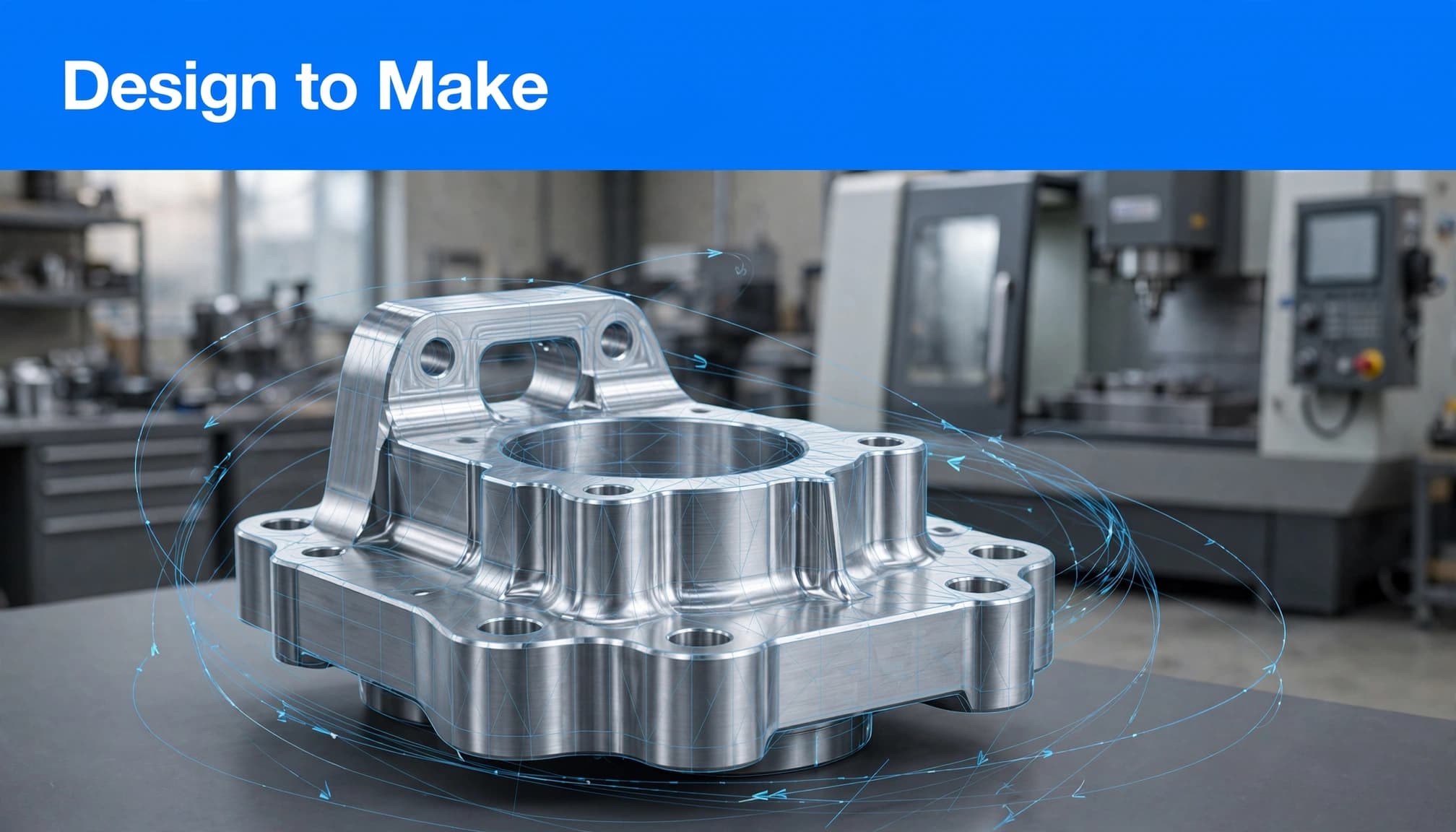
CAD, CAM, and CAE in one engineering workflow
CAD is where engineers create and revise 3D parts, assemblies, and drawings. CAM uses design geometry to plan manufacturing operations, such as toolpaths and NC programs for CNC machines. CAE supports engineering analysis and simulation, including checks on structural behavior, motion, fluid flow, and heat.
Siemens groups these capabilities within its broader NX portfolio, but that doesn’t mean every NX seat includes every CAD, CAM, or CAE function. Product tiers and add-on modules determine what a team can use. Siemens describes its NX CAD and CAM offerings as an integrated toolset, while simulation options may be offered through NX or related Simcenter products.
Working in a connected environment can reduce the handoffs that occur when teams rebuild geometry or exchange separate files. A design change can be carried into analysis or manufacturing planning through linked product data, depending on the tools and workflow configured. The practical gain is fewer disconnected versions to reconcile, not automatic completion of every downstream task.
How a shared model supports the digital thread
Siemens’ master-model approach lets one product definition support multiple stages of work. A model can be used for design and optimization, simulation, NC programming, machining, and quality inspection. When a bracket’s mounting hole moves, for example, the updated geometry can be reflected in linked design and simulation models, helping engineers validate the current version before manufacturing.
That shared definition supports a digital thread, but NX alone doesn’t automatically connect every department or system. Siemens positions Teamcenter as a product lifecycle management (PLM) system that can connect product data and team processes with NX. Teams still need to configure data management, access, approvals, and downstream connections to match how they work. Siemens’ Teamcenter and NX overview describes this broader design-to-production connection.
The distinction matters when evaluating fit. NX provides engineering tools for working with product models; Teamcenter and related systems can extend how teams manage and share those models across the product lifecycle.
How Siemens NX supports real product and machining work
Siemens NX connects detailed product models with engineering and CNC planning tasks. A practical workflow might begin with a machined pump housing, then carry its geometry into revisions, analysis, and toolpath planning. The available steps depend on the NX modules, license, machine, and company setup.
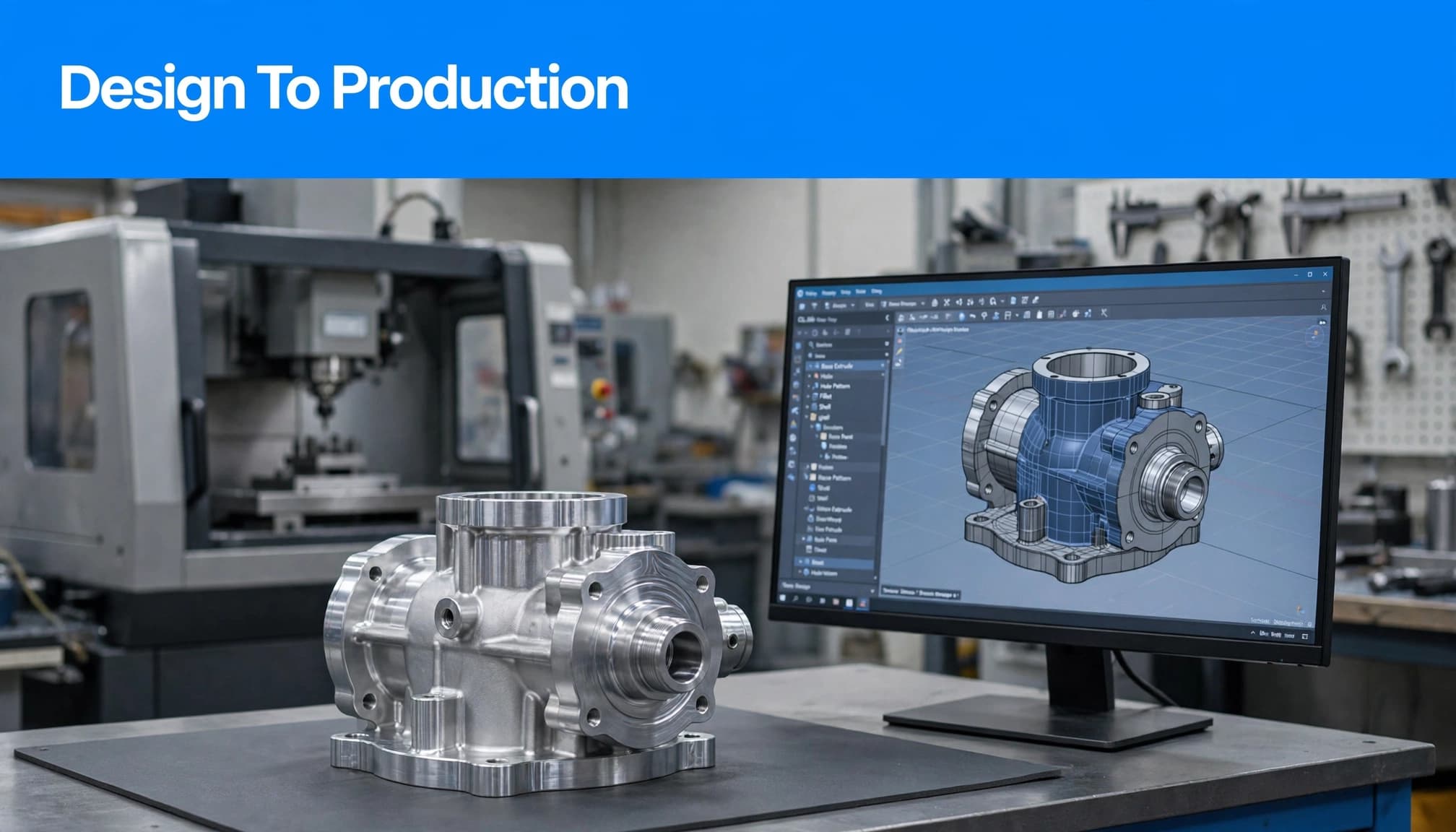
Build and refine parts, assemblies, and product designs
An engineer can start with a 3D part model, defining features such as walls, mounting holes, and sealing surfaces. Related parts can be arranged into an assembly to check how components fit together. For a pump housing, that could mean reviewing the housing alongside its cover, fasteners, and shaft before the design moves forward.
Detailed models help teams check dimensions, clearances, and interfaces, then revise the design as requirements change. A mounting hole may move, or a wall may need more material. NX supports complex product-engineering work and linked model-based workflows, but it isn’t automatically the right fit for every project. A small team with simple parts may not need the depth of tools it offers.
Plan CNC work from 2.5-axis milling to multi-axis machining
Once the design is ready for production planning, engineers can use model geometry to define machining operations and generate toolpaths. Siemens describes NX X Manufacturing Standard for prismatic-part tasks such as 2.5-axis milling, hole making, turning, and on-machine probing. For a pump housing, a programmer might plan hole operations and milling for accessible faces, then review the setup and toolpath against the part model.
Higher tiers add capabilities for more complex parts. Siemens positions Advanced for advanced 3- and 2.5-axis milling, including freeform work such as molds and dies, while Premium adds advanced 5-axis and rotary machining. Check the current package details before comparing plans, since included features and availability can vary by package and region. Siemens’ NX X Manufacturing tier descriptions outline the current capability progression.
Connect engineering choices to testing and production
A shared model can reduce repeated geometry transfers between design and manufacturing. When an engineer revises the housing, the manufacturing team can work from updated product data rather than rebuilding the shape from a separate file. That can help teams coordinate design, analysis, and machining decisions, provided their NX configuration and data-management process support the handoff.
Siemens says feature-based machining can reduce programming time by up to 90% for relevant workflows. That is a vendor claim, not a guaranteed result; actual savings depend on the part, programming process, team experience, and comparison baseline. CNC equipment and controls also shape the final workflow, so review the broader industrial automation manufacturers landscape when machine integration is part of the decision.
Choosing an NX edition, subscription, and add-ons
Siemens NX licensing can be hard to compare because the product name covers multiple editions, delivery options, and specialized tools. Start with the work your team needs to complete, then confirm which subscription includes those capabilities.
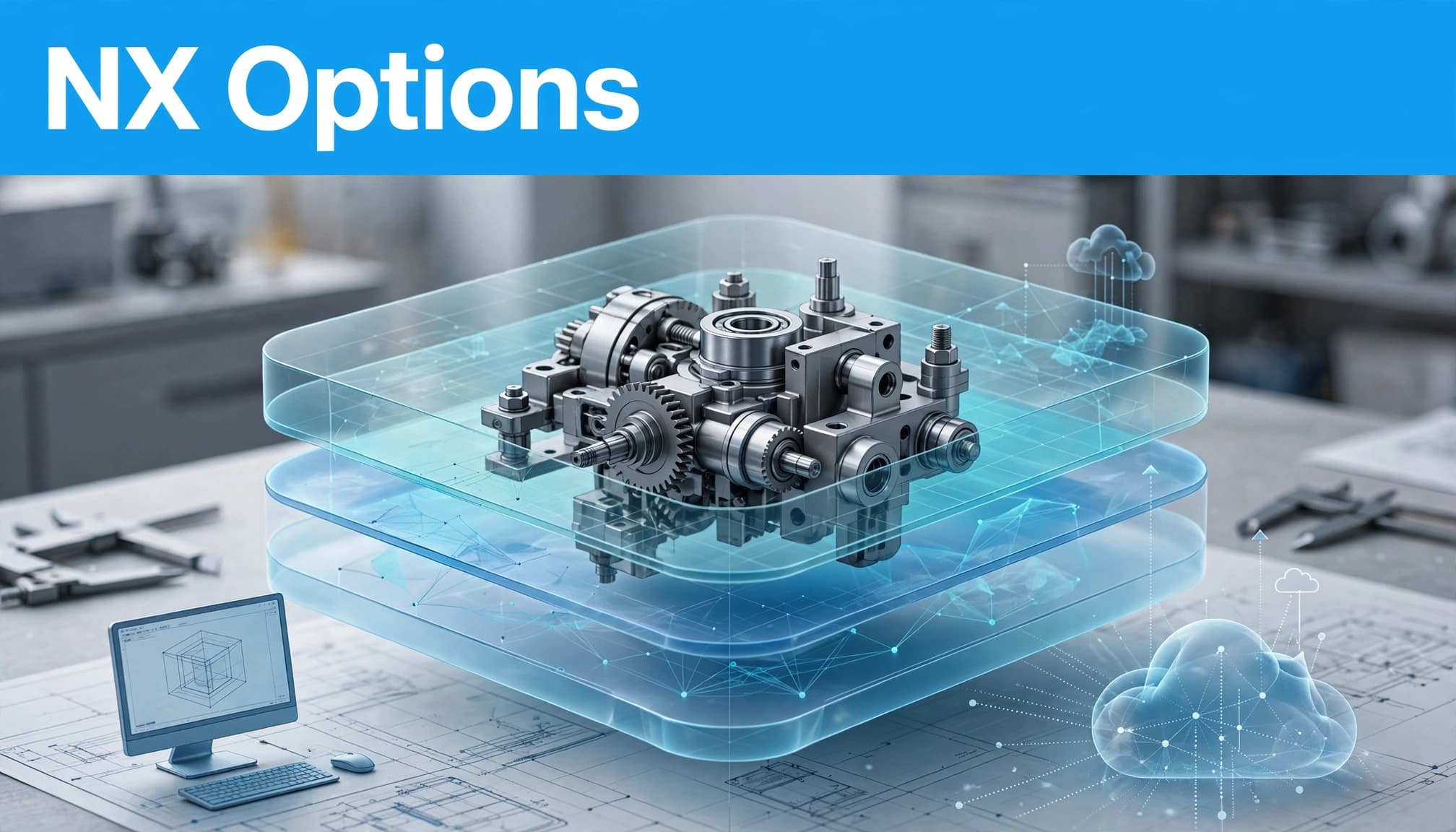
Match the license to the work your team actually does
For design, Siemens lists four NX X Design tiers: Essentials, Standard, Advanced, and Premium. Their capabilities build by tier, so compare the specific functions your engineers need, such as core modeling, data management, or specialized design tools. Siemens describes the options in its Designcenter CAD offerings.
Manufacturing has its own choices. NX X Manufacturing is available as CAD/CAM or CAM-only, with tier options described in Siemens materials. However, package availability can vary by region and storefront. Before purchasing, confirm the current local lineup, included tools, and any eligibility requirements with Siemens or an authorized seller.
Add-ons can extend an NX seat for specialized tasks. Siemens’ Value Based Licensing provides access to optional modules through a token pool, but the exact modules and licensing requirements matter. Compare the capabilities your team will use, not just the NX name on a quote. Two subscriptions with similar labels may cover different workflows.
Understand cloud delivery, data management, and licensing
NX X uses SaaS delivery and named-user subscriptions, but SaaS doesn’t mean every task happens in a browser. Siemens offers browser-based access as well as desktop software, depending on the package. Check how each role will work: a designer may need desktop tools, while another user may mainly review or share product data.
Data management also varies by tier. Siemens says built-in data management is included with Standard, Advanced, and Premium, while the Essentials description does not make the same inclusion claim. Some add-on functions are available through Value Based Licensing tokens. Siemens describes Value Based Licensing modules as a way to access optional tools, with a core seat required for token licensing.
Before deciding, check your company’s data policies, where files will be stored, which users need access, and whether NX must work alongside an existing PLM system. These details affect implementation as much as the modeling tools do.
What Siemens NX costs and how to get a reliable quote
The full cost depends on the product, tier, add-ons, region, and contract terms. One US Siemens Digital Exchange listing shows Designcenter X NX Essentials at $191 per year after the trial period. That is one specific listing, not the price of a full CAD/CAM/CAE setup or a region-wide quote.
For a reliable estimate, list the required workflows, user count, add-ons, and data-management needs. Then request a quote through Siemens’ current local store or an authorized seller, and confirm subscription terms and included capabilities before comparing totals.
Check hardware needs, training, and day-to-day fit
Siemens NX can support detailed assemblies and specialized engineering tasks, but your team needs the right workstation setup and a plan for learning the workflows. Check both before deployment. A machine that handles simple parts may struggle with larger assemblies or graphics-heavy work.
Plan for assemblies, graphics, and current system requirements
Siemens’ Designcenter buyer’s guide lists 32 GB of RAM or more for large assemblies and complex parts, along with 9.0 GB of installation disk space, a 1920 × 1080 display, and 2 GB of video RAM. These are figures from the guide, not universal minimums or a guarantee of performance. Actual needs depend on the release, assembly size, graphics workload, and other software running on the workstation.
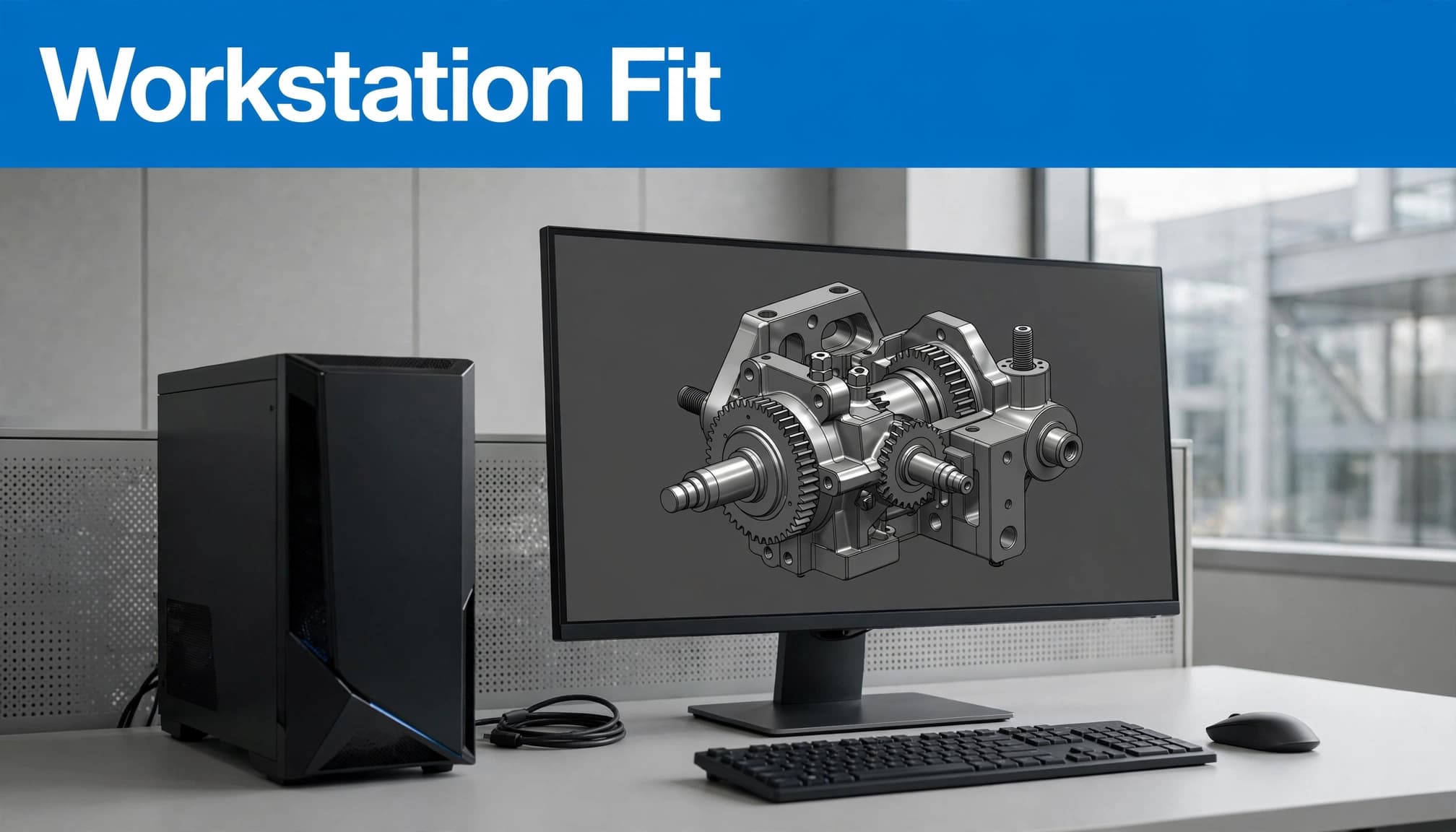
Before buying or reusing hardware, confirm the supported operating systems, graphics hardware, and current release requirements with Siemens. Certification can depend on the workstation model and graphics driver, so checking the graphics card alone may not be enough. If you’re also evaluating 3D panel-design software, our guide to EcoSet Config software requirements offers another practical workstation reference.
Think about the work the system must handle each day. A designer reviewing small parts may have different needs than an engineer opening large assemblies or a programmer working with graphics-intensive CAM tasks.
Set realistic expectations for the learning curve
NX has a broad toolset, and configurable workflows can take time to learn. The practical way to assess team readiness is to start with the tasks people will actually perform, such as part modeling, assembly design, or CAM programming. Then build skills through guided practice and focused training on those workflows.
A short trial project can reveal where users need support. Have team members complete a representative task, then note where they need help with commands, templates, file handling, or handoffs. This gives you a clearer training plan than asking everyone to learn every tool at once.
Day-to-day fit also depends on how work is divided. Identify who owns modeling standards, manages product data, and supports downstream users. When those responsibilities are clear, the team can judge whether NX fits its current process and where additional training or setup is needed.
Compare Siemens NX with other CAD platforms before deciding
Comparing Siemens NX with SOLIDWORKS, CATIA, or PTC Creo works best when you test the jobs your team needs to complete. Product names and feature lists can hide important differences in licensing, connected systems, and day-to-day workflows.
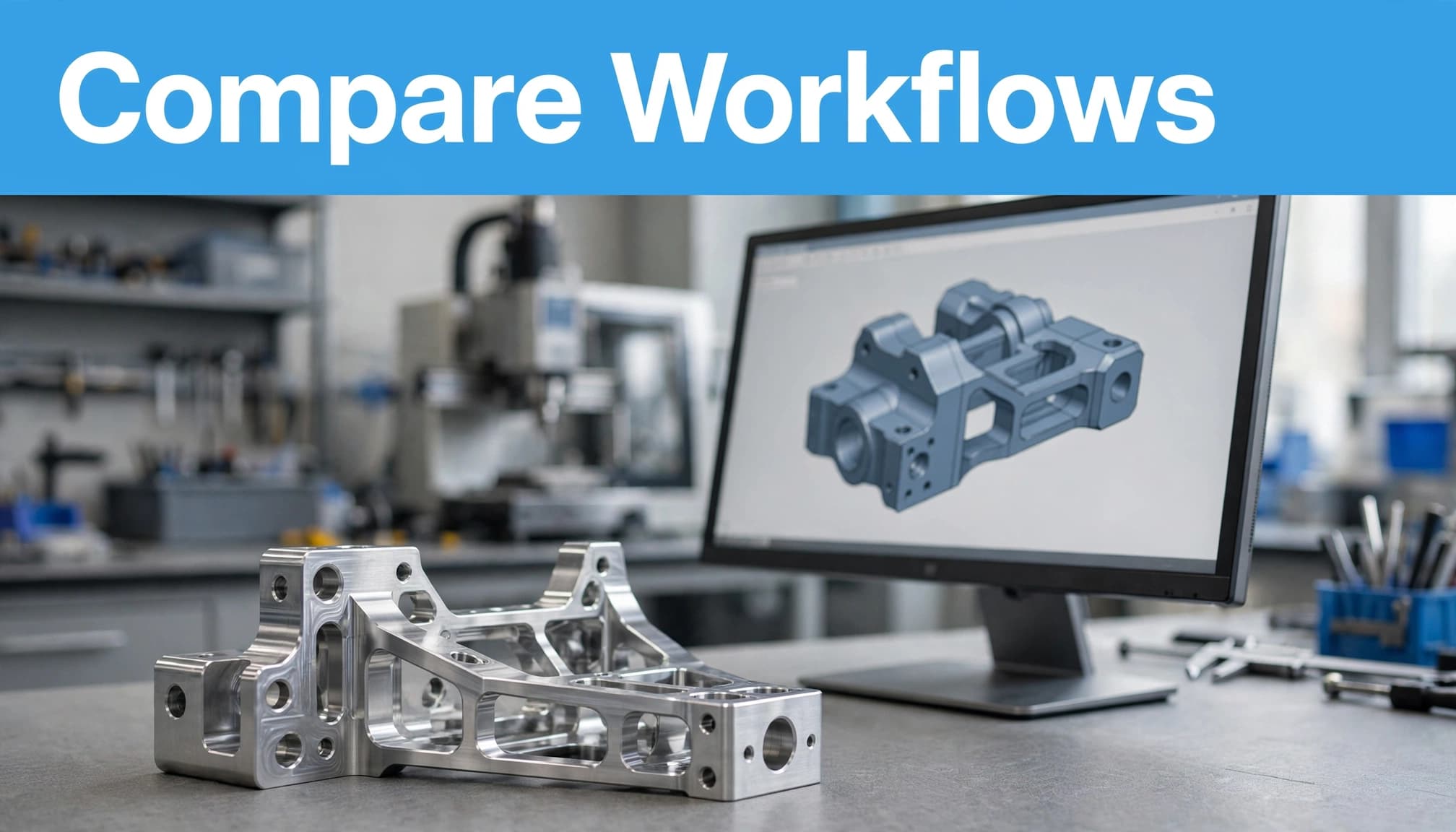
Compare the workflows, not just the feature lists
Build the comparison around your actual work: part and assembly design, simulation, CAM programming, PLM connections, supplier collaboration, and file exchange. For each platform, map the steps from a design change to analysis, manufacturing, and release. Where does product data stay connected, and where must someone export, convert, or recreate it?
Then check the details behind each workflow. NX X Manufacturing Standard, for example, lists 2.5-axis milling, hole making, turning, and on-machine probing. Siemens also lists exchange formats such as STEP, IGES, DXF, STL, and JT for NX CAM translators. Those specifics apply to that product offering, not every NX package. Review the current NX Manufacturing options alongside the exact SOLIDWORKS, CATIA, or Creo products and licenses under consideration.
File exchange deserves a hands-on test. A format may transfer geometry but not preserve feature history, relationships, or downstream manufacturing data. Use representative assemblies and supplier files, then check what remains editable and what needs repair. Capabilities vary by package, add-on, and release, so verify each vendor’s current documentation before drawing conclusions.
Weigh total cost, deployment, and team experience
A useful cost comparison includes more than the base subscription. Account for required modules, license types, workstation needs, training, data migration, and connections to existing PLM or file-management systems. A lower entry price may not cover the simulation or CAM tools your team needs. A broader package may include functions that go unused.
Team experience matters, too. Engineers familiar with another CAD platform may complete familiar tasks faster during a transition, while complex assemblies or specialized machining can add time regardless of the software. Include learning time and workflow setup in the evaluation, rather than treating them as separate from software cost.
Run a structured trial with representative parts and workflows. Ask users to model or revise a part, update an assembly, complete an analysis or CAM task, and exchange files with a supplier. Record completion time, errors, handoff issues, and training questions. Compare the results using the same product versions and license scope. That gives your team evidence about fit, not just impressions from a feature demo.
Conclusion
Siemens NX connects product design with analysis and manufacturing, helping teams carry product data through key engineering workflows. The fit depends on the work your team does, the license and add-ons it needs, available hardware, and users’ experience with the software.
Before committing, list the tasks NX must support, confirm the current packages available in your region and their system requirements, then test the software on a representative project. That gives your team practical evidence of fit before making a licensing decision.