Siemens PLCs can use several programming languages, and the available choices depend on the CPU model and software version. If you’re deciding which language to learn or use for a project, the first step is to check your controller family.
In STEP 7 in TIA Portal, common options include ladder logic (LAD), Function Block Diagram (FBD), and Structured Control Language (SCL). S7-1200 and S7-1500 controllers don’t support exactly the same set of languages, so choosing one means balancing what fits your logic with what your CPU supports. For a quick comparison of the main options, see beginner-friendly PLC languages.
The sections below compare S7-1200 and S7-1500 language support, then show how to confirm compatibility for your project.
Table of Contents
What programming language does a Siemens PLC use?
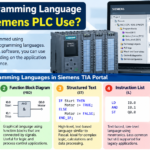
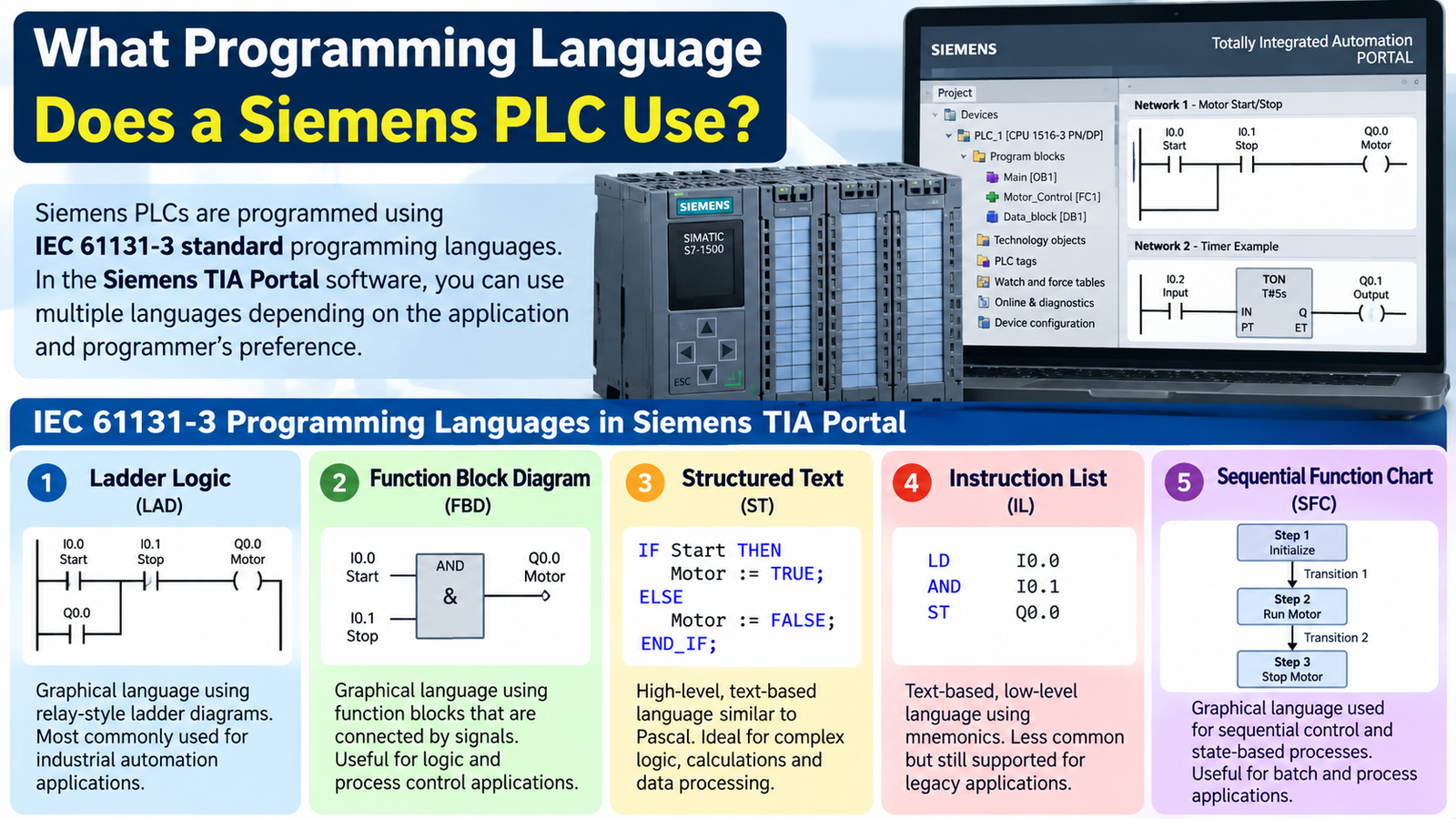
Siemens SIMATIC PLCs are programmed in STEP 7, Siemens engineering software used to configure and program controllers. STEP 7 is not a programming language. In TIA Portal, the common choices are Ladder Logic (LAD), Function Block Diagram (FBD), and Structured Control Language (SCL). The CPU model, firmware, and STEP 7 version determine which languages you can use.
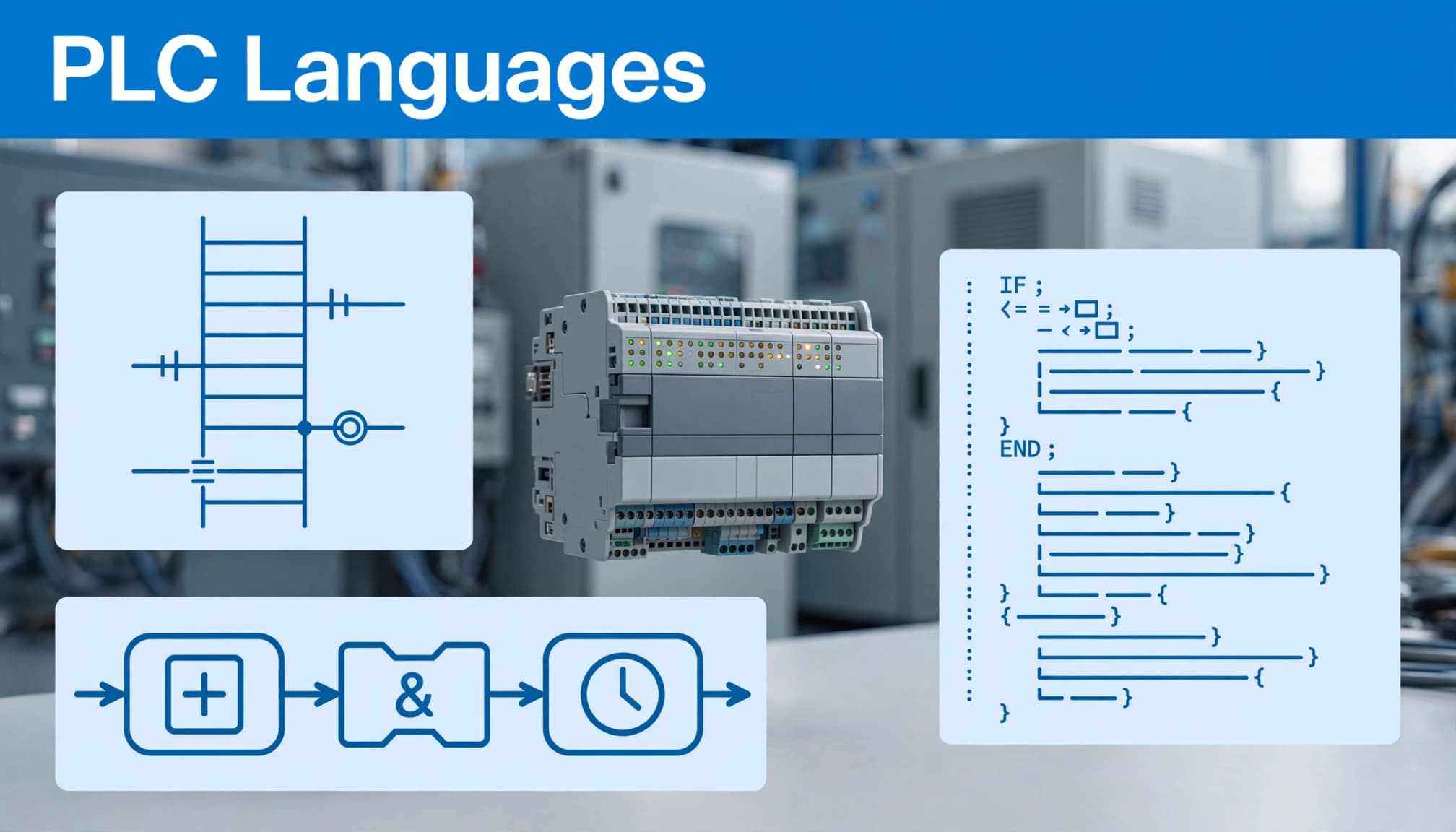
The main Siemens PLC languages at a glance
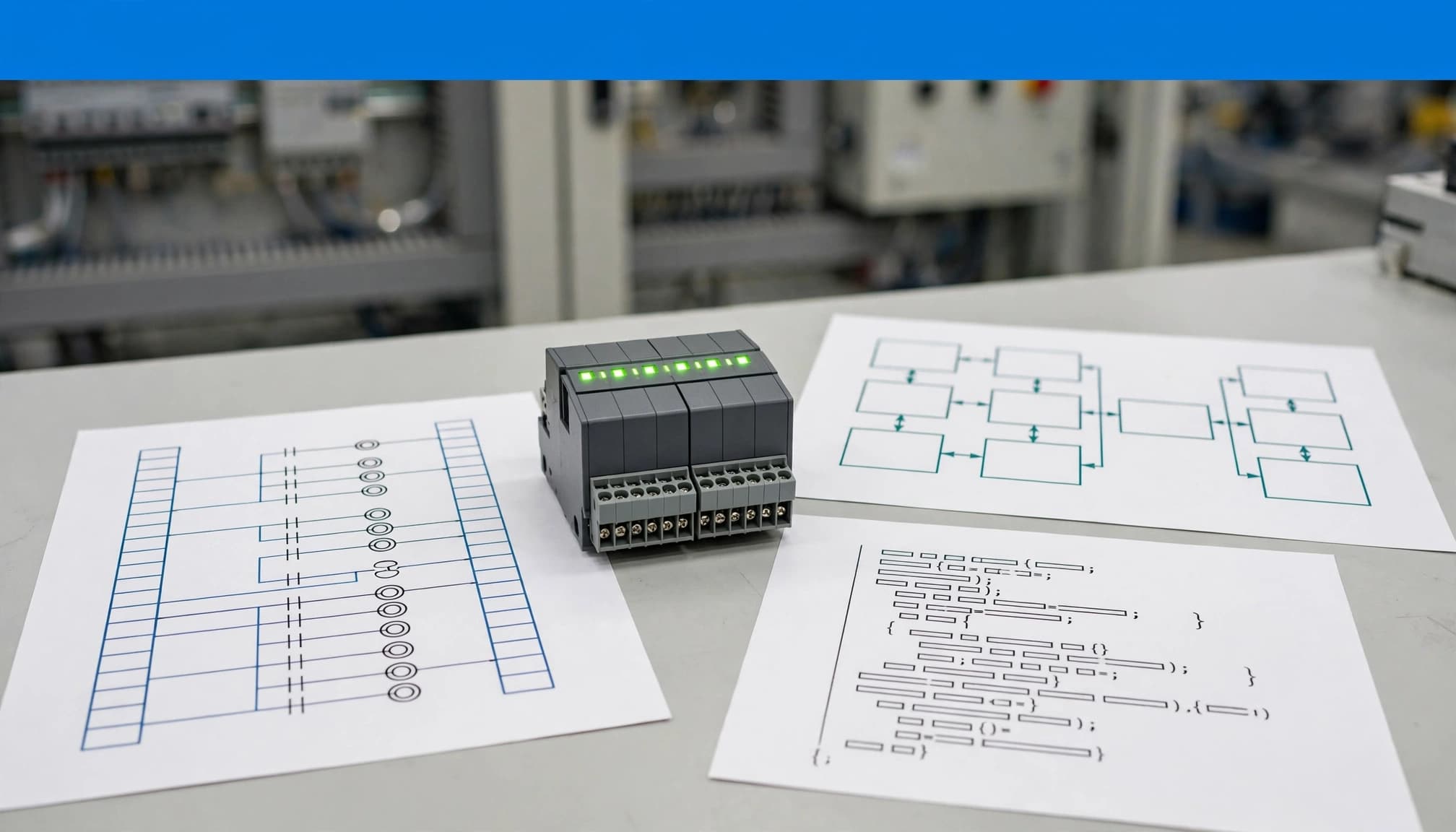
LAD displays logic as ladder-like rungs, a format many technicians find familiar when working with relay circuits. FBD uses connected function blocks to show how signals and operations flow through a program. SCL is a text-based language suited to structured logic, calculations, and tasks that would take many graphical elements to express.
A Siemens project may use more than one language. The language is selected for each program block, so a team can use LAD for straightforward interlocks and SCL for more complex calculations where supported. Siemens documents LAD, FBD, and SCL for its S7-1200 G2 controllers, but that does not mean every SIMATIC PLC supports the same set. Check the CPU’s documentation before choosing a language. The S7-1200 G2 system manual lists language support for that controller family.
Other options depend on the CPU and software setup:
- Statement List (STL) is a text-based instruction language documented for certain controller families and STEP 7 contexts.
- GRAPH is used to organize sequential processes into steps and transitions, with supported families and versions depending on the setup.
- CFC (Continuous Function Chart) may be available in specific engineering configurations, but its support should be verified for the target CPU and package.
- Cause-Effect Matrix (CEM) is documented for S7-1200 from firmware V4.2 and S7-1500 from firmware V2.6. For S7-1200 G2, Siemens specifies TIA Portal V20 or later.
For the exact software version and CPU options, check the latest TIA Portal update details. Language support is model-specific, so confirm compatibility before building the project.
Which languages work with S7-1200 and S7-1500 PLCs?
The supported programming languages depend on the specific CPU, not just the PLC family. Standard S7-1200 CPUs commonly list LAD, FBD, and SCL, while applicable S7-1500 CPU data sheets also list STL. Check the data sheet for your exact CPU before you choose a language or plan to reuse existing code.
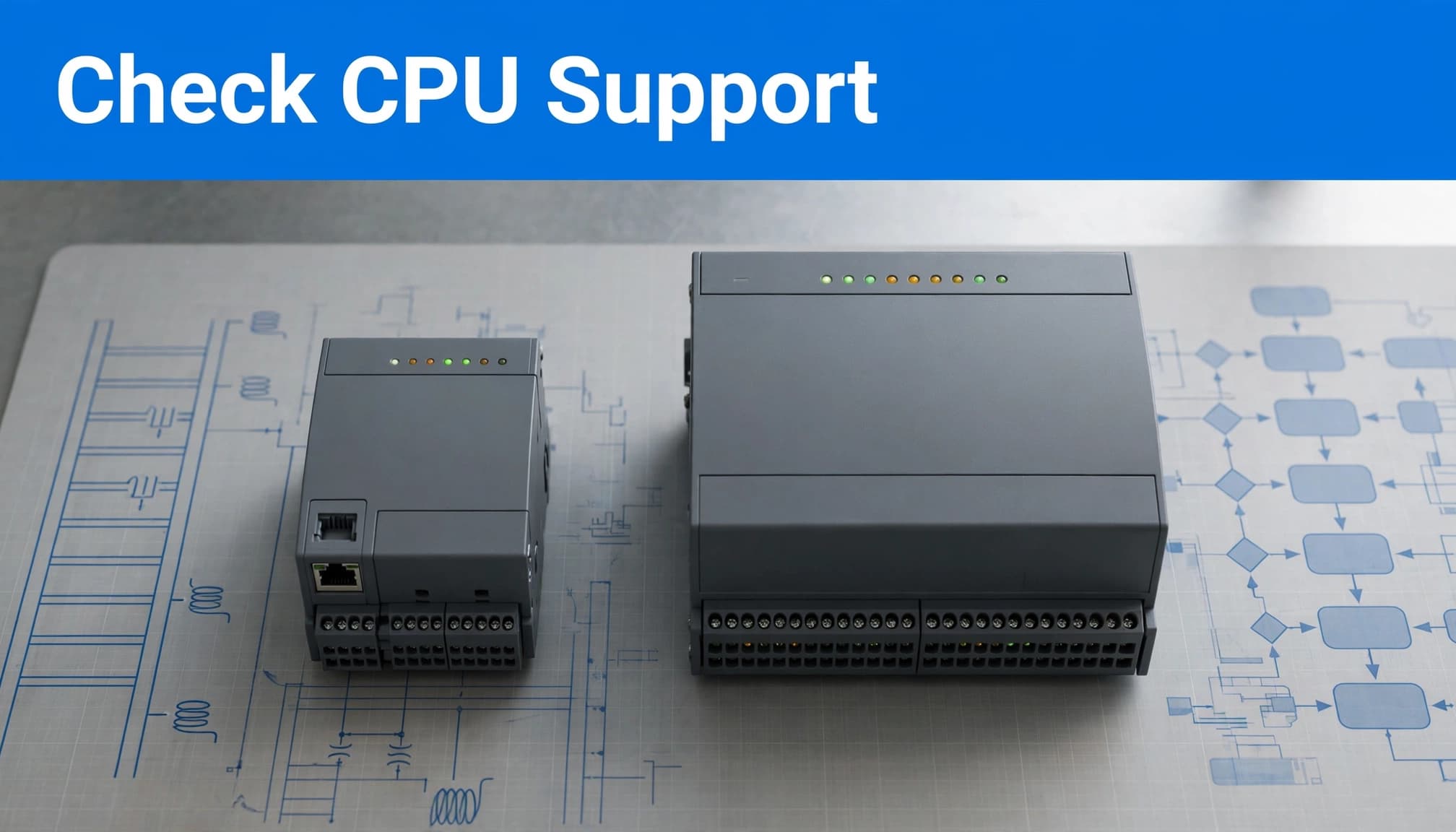
Why STL and GRAPH need a compatibility check
For a standard S7-1200, expect LAD, FBD, and SCL. Siemens’ S7-1200 comparison table states that the family supports those three languages. The S7-1200 G2 has a different list: its system manual includes LAD, FBD, SCL, and Cause-Effect Matrix (CEM). Programming an S7-1200 G2 requires TIA Portal V20 or later, so check both the CPU generation and your engineering software version.
Applicable S7-1500 CPU data sheets list LAD, FBD, SCL, and STL. Some also list CFC. Those options aren’t universal across every S7-1500 model, so use the data sheet for the exact CPU rather than treating the family name as a complete compatibility guide. Siemens’ S7-1500 comparison table is a useful starting point for checking CPU-specific details.
GRAPH also needs a model and software check. Its availability can vary by controller and STEP 7 setup, so don’t assume it’s available simply because another Siemens PLC project uses it. Confirm support for the target CPU before designing a sequence around GRAPH.
There’s one more detail that can cause confusion: some STEP 7 editing rules allow STL networks inside LAD or FBD blocks on S7-1500. That exception doesn’t mean every language can be mixed freely, or that a program can be converted from one language to another without limits. Siemens’ programming guidelines for S7-1200 and S7-1500 explain the programming context, but the target CPU’s documentation should guide the final choice.
How LAD, FBD, and SCL differ in everyday PLC work
LAD, FBD, and SCL can express the same control idea, but each presents it differently. That affects how quickly a technician can troubleshoot a machine, how easily a programmer can handle complex logic, and how consistently a team can maintain the project.
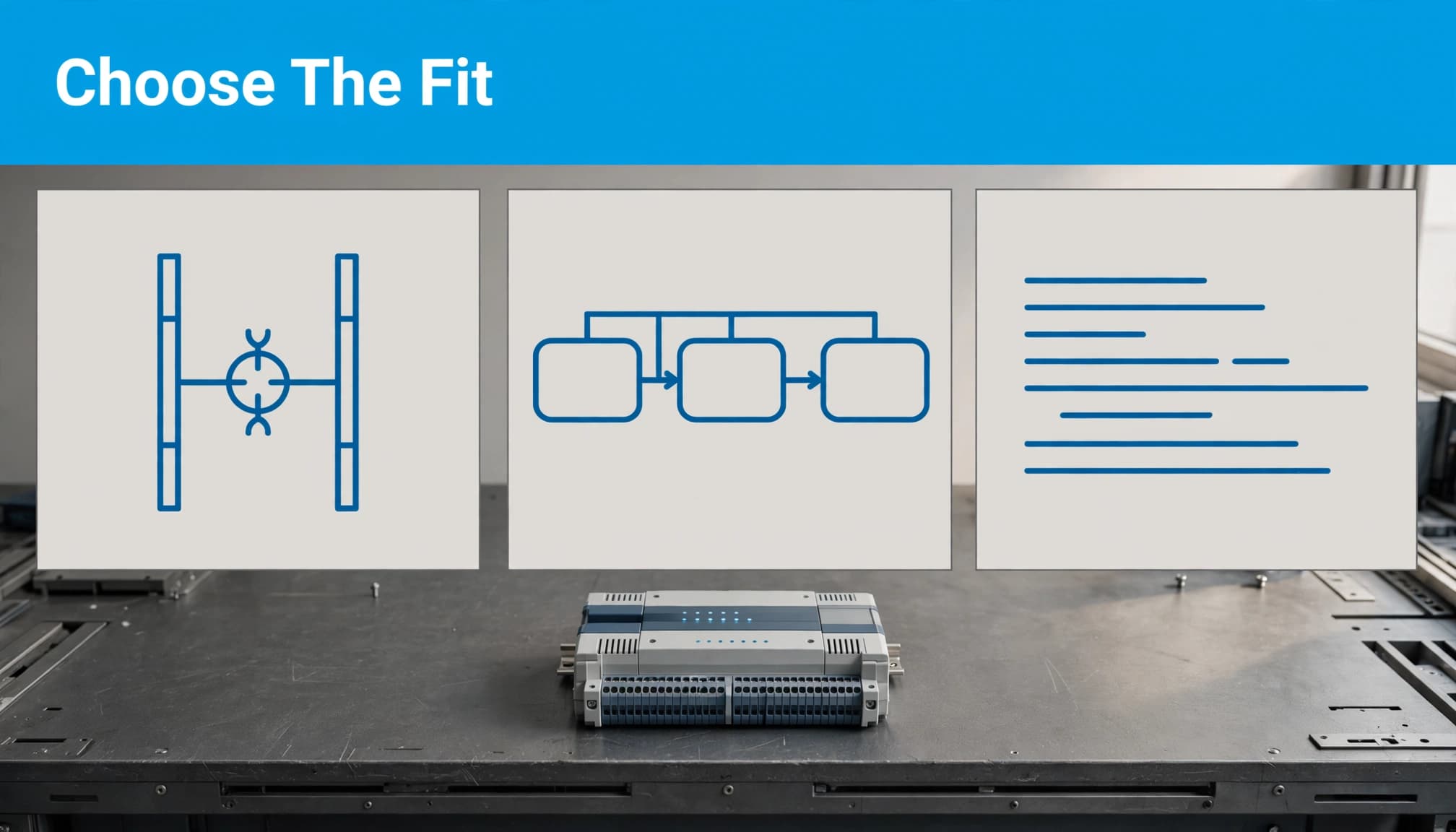
Pick a language that fits the team and the task
LAD looks like a relay diagram, with contacts and coils arranged in rungs. That familiar layout often makes it approachable for maintenance teams tracing discrete conditions, such as a motor start, stop, and overload interlock. If a technician already thinks in terms of switches and relay contacts, LAD makes the logic easy to follow online.
FBD shows signals moving between connected function blocks. It can make Boolean conditions and reusable functions easier to see as a signal path. For a motor start condition, the required permissives could feed an AND block, while a stop or fault condition could prevent the output from energizing. FBD is often a good fit when the program already relies on connected function blocks.
SCL uses text-based statements. It can be more practical for calculations, loops, and handling arrays or structured data, where a graphical network would grow large and hard to scan. The same motor command can be written as a Boolean condition in SCL, but data-heavy routines often show the clearest advantage.
These are practical tendencies, not hard limits. Siemens describes language choice as task-dependent in its S7-1200/1500 programming guideline. STEP 7 lets you select a language for each code block, so a project can use more than one where the CPU and software support them.
Before choosing, consider four things:
- Who will maintain the machine? Choose a format the technicians can read and troubleshoot under real operating conditions.
- What does the existing project standard require? Consistent conventions make handoffs and updates easier.
- What kind of logic are you writing? Use the representation that keeps the task clear, especially as the program changes.
- Does the target CPU support it? Confirm the specific CPU and STEP 7 version before you plan around a language.
For a new team member, language familiarity is only part of the job. A practical PLC programming career guide can help clarify what skills the role calls for.
The best choice is the one the next technician can understand and support. Agree on project conventions early, then use each supported language where it improves clarity instead of switching styles without a reason.
What software do you need to program a Siemens PLC?
STEP 7 in TIA Portal is Siemens’ engineering environment for configuring and programming many SIMATIC PLCs. The PLC model and its firmware determine what the software can support, so installing TIA Portal alone doesn’t guarantee that you can open or configure every controller project.
Before you start a new project or open an existing one, confirm that the installed TIA Portal release supports the target CPU and its firmware. If you need to test the program after setup, simulate S7-1200 and S7-1500 PLCs with PLCSIM.
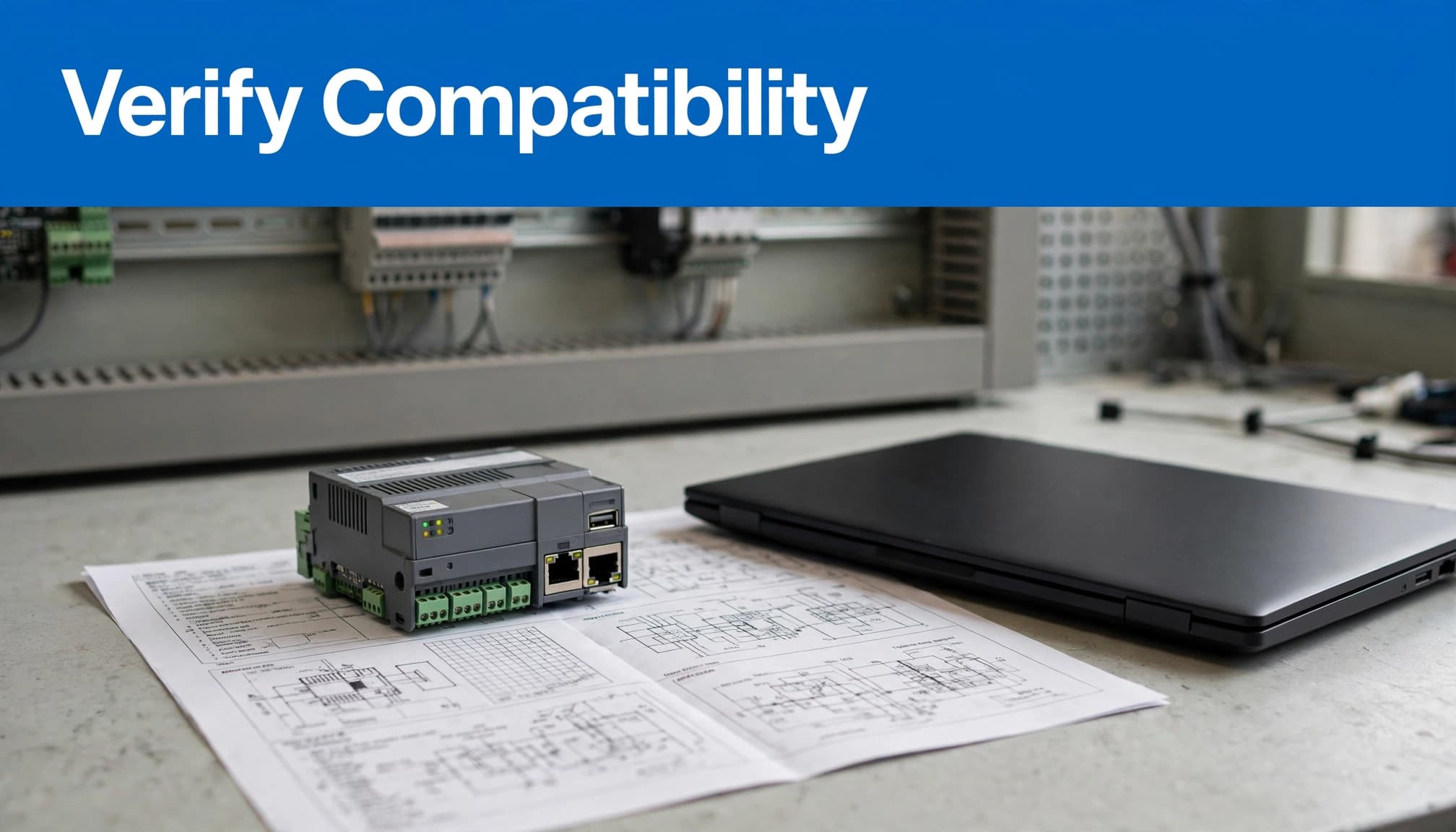
Check compatibility before choosing a language
Use this checklist before selecting a language or committing to a TIA Portal version:
- Identify the PLC family and exact CPU model, including its complete order number.
- Record the CPU’s firmware version from its label, display, or device diagnostics.
- Find the matching Siemens data sheet or manual for that order number.
- Check the installed TIA Portal release against the manual’s configuration requirements.
- Confirm that the CPU and software support the language or editor feature your project needs.
The distinction matters: TIA Portal release is the software version, while the CPU model and firmware describe the controller and its capabilities. Siemens ties CPU firmware support to STEP 7 versions, so an older TIA Portal installation may not recognize newer hardware or expose its full functionality.
The S7-1200 G2 requires TIA Portal V20 or later for configuration and programming. Siemens also states that an existing S7-1200 project cannot simply be used to create a G2 CPU by updating firmware. Review the S7-1200 G2 system manual before planning a new installation or migration.
S7-1500 compatibility also varies by order number and firmware. Two CPUs in the same family may require different TIA Portal releases or offer different programming options. A project built for an older CPU can have different language and editor choices than one built for a newer model.
Check the documentation for the exact controller, then compare its requirements with the TIA Portal version installed on your engineering workstation. This prevents a common problem: choosing a language or starting a project before confirming the target system can support it.
Which Siemens PLC language should a beginner learn first?
The best first Siemens PLC language is the one you can use on your target CPU and understand well enough to troubleshoot. Your workplace’s programming standard matters too. If a plant maintains LAD projects, learning LAD first will help you work with real machines sooner.
Start with the language used at work
Choose LAD if electrical schematics and relay logic already feel familiar. Its contacts and coils make common start-stop circuits and interlocks easier to trace. That visual format can also help when maintenance technicians need to follow the logic online.
Choose FBD if you prefer to see conditions and operations as connected function blocks. It works well for Boolean logic, where signals flow through gates or reusable blocks. If your team already builds programs this way, start there.
Choose SCL if you’re comfortable reading text-based code or expect to work with calculations, loops, structured data, and more involved control logic. Siemens’ programming guidance recommends SCL for many applications, while noting that LAD or FBD can suit blocks focused on binary logic or interconnected blocks. See the Siemens S7-1200/1500 programming guideline for its language recommendations.
Learn the fundamentals alongside the language
A programming language is only one part of PLC work. You also need to understand how physical inputs and outputs connect to the program, how the PLC scan cycle reads inputs and updates outputs, and how to test changes safely.
Start with small, controlled examples. Trace an input condition through the logic, check how the output responds, then test the program in simulation or on approved training hardware. Don’t treat a successful compile as proof that a machine is safe to run. Follow site procedures and confirm that safety functions are handled correctly.
You don’t need to master every Siemens language before building useful skills. Learn the language used by your workplace or the target PLC, then add another when a project calls for it. Strong fundamentals will carry across LAD, FBD, and SCL, while each language gives you a different way to express the control logic.
Conclusion
Siemens PLCs don’t use one single programming language. LAD, FBD, and SCL are common choices, while STL, CFC, GRAPH, and CEM depend on the specific controller and software version. The right language is the one your CPU supports and your team can maintain.
Before choosing a language or starting a project, check the exact CPU documentation and confirm compatibility with your TIA Portal version. That simple check can prevent avoidable setup and migration problems.