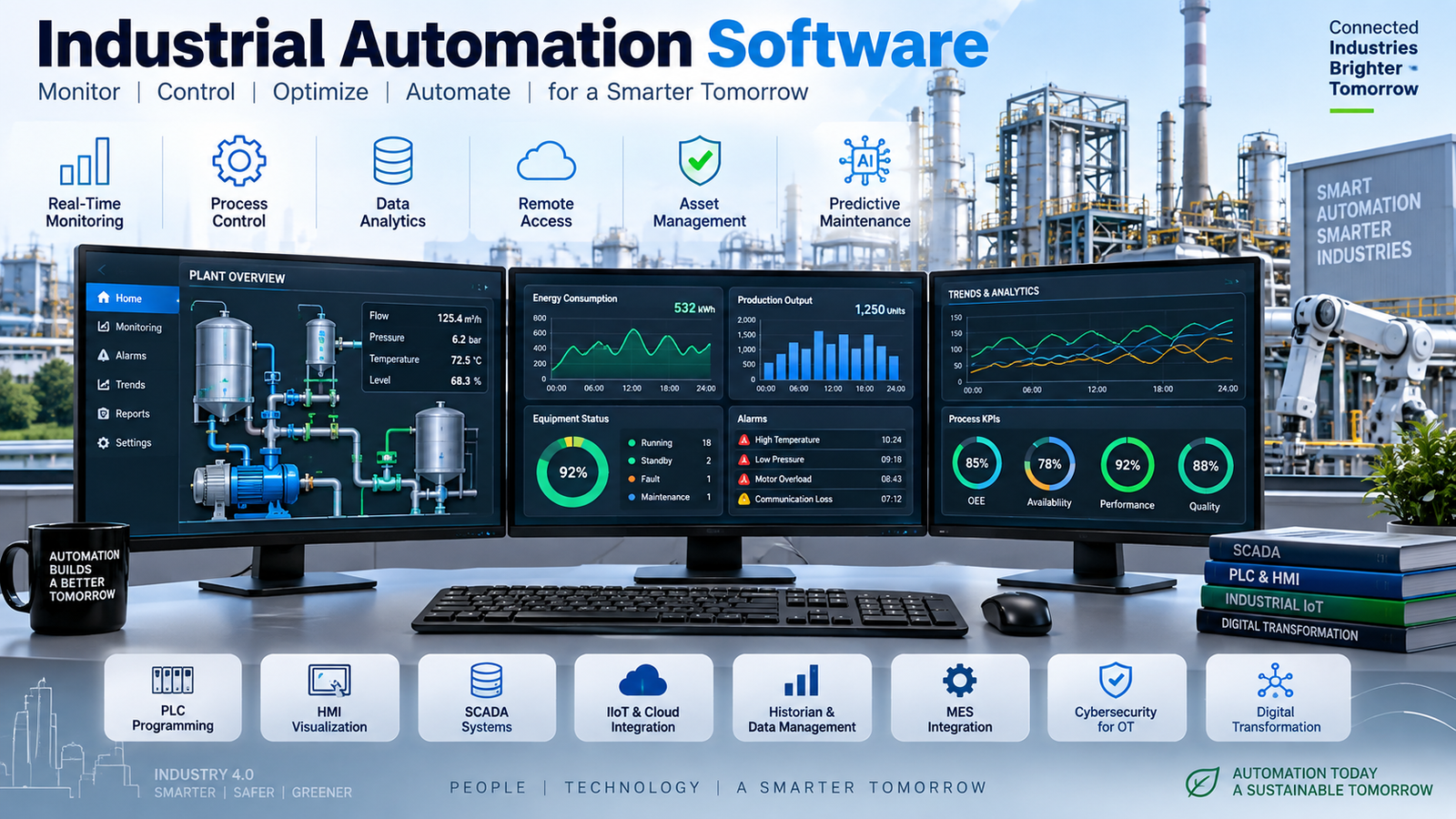
A plant can have capable machines, skilled operators, and plenty of production data, then still lose time because none of them work together. Faults sit in controller memory, operators re-enter counts by hand, and managers see yesterday’s numbers.
Industrial automation software connects those pieces. It controls equipment, monitors operations, manages production data, and supports analysis. The right stack depends on the process, installed hardware, available skills, and where the plant needs to be five years from now.
Table of Contents
What Is Industrial Automation Software and Why Does It Matter?
Industrial automation software is not one product. It is a connected set of tools that moves information between sensors, controllers, operator stations, plant databases, and business applications.
At the machine level, PLC and DCS software executes control logic. Above that, HMI and SCADA software show the process, alarms, trends, and approved operator commands. MES, historians, and IIoT platforms use the resulting data for production tracking, quality records, maintenance, and reporting.
A packaging line might use PLCs for sequencing conveyors and safety interlocks. A water utility may use SCADA to monitor remote pumping stations. A chemical plant may run a DCS for continuous process control. A warehouse can connect PLC-controlled sortation equipment to work orders and inventory systems.
This structure reduces manual data entry, shortens troubleshooting, improves traceability, and gives operators a clearer view of abnormal conditions. For a closer look at how these layers fit together, review industrial automation control systems.
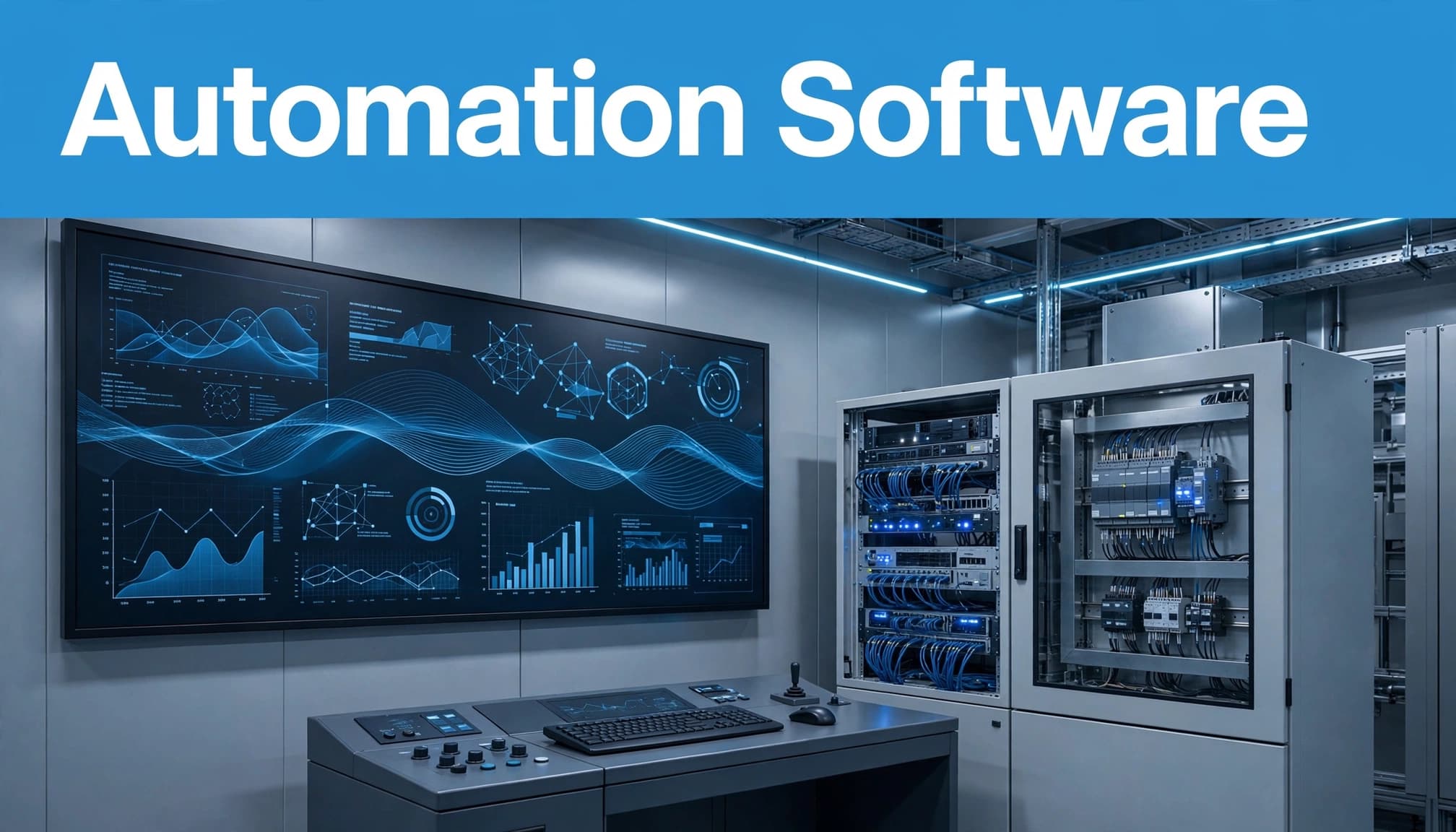
How PLC, HMI, SCADA, MES, and IIoT Software Work Together
PLC software runs deterministic logic. It reads inputs, executes sequences, controls motion, handles interlocks, and writes outputs fast enough for the machine or process.
HMI software gives an operator a local window into that work. It displays machine state, setpoints, alarms, recipes, and allowed manual controls. SCADA extends visibility across lines, buildings, or remote sites, collecting data and presenting plant-wide alarms and trends.
MES sits closer to production operations. It links work orders with production counts, quality checks, genealogy, downtime reasons, and performance records. IIoT software sends selected machine data to edge or cloud systems for analytics, maintenance, and multi-site reporting.
A plant can buy these layers from one vendor or connect products from several vendors. The practical differences between the core layers are clear in this PLC vs. DCS vs. SCADA comparison.
The Role of OPC UA, MQTT, and Industrial Data Standards
Mixed equipment creates a data problem. A plant may have older PLCs, new robotic cells, packaged skids, and separate reporting systems that were never designed to share data.
OPC UA provides a structured way to expose industrial information with context, security features, and defined data models. The OPC UA security reference also maps parts of the standard to ISA/IEC 62443-4-2 requirements.
MQTT is a lightweight publish-and-subscribe protocol often used between edge systems and cloud services. MQTT Sparkplug B adds conventions for topics, payloads, and device birth and death events. Neither protocol replaces the other in every design. PLC programming standards, protocol support, and multi-vendor options also matter, as covered in this CODESYS PLC guide.
The Main Industrial Automation Software Platforms to Know
The strongest platform usually fits the hardware, support network, and engineering practices already present at the site. A good name on a feature list means little if local integrators cannot support it or technicians cannot maintain it.
Siemens TIA Portal and WinCC are common choices for Siemens PLC environments. They combine controller engineering, visualization, drives, safety, and IT/OT connectivity in one ecosystem.
Rockwell Automation’s Studio 5000 and FactoryTalk products are established options for Allen-Bradley installations. Schneider Electric’s EcoStruxure family supports Modicon controllers and broader plant, power, and utility integration.
ABB remains a major option for large process, power, and distributed-control projects. AVEVA is widely used for supervisory systems, historians, and manufacturing environments. Inductive Automation Ignition is a cross-vendor platform with strong OPC UA support and web-based deployment options. Review current product modules and local support before committing, since vendor offerings and licensing change.
Integrated Suites Versus Cross-Vendor Automation Tools
An integrated suite can reduce duplicated configuration. Tags, alarms, controller logic, drives, and operator screens may share a common engineering environment. Support is often simpler when one supplier owns the complete hardware stack.
Cross-vendor tools give older plants more room to work with what they already own. Ignition, for example, is often considered where many controller brands need one supervisory layer. This Ignition SCADA overview outlines its role in mixed-device environments.
The tradeoff is engineering effort. Drivers, tag mapping, user management, alarm handling, and version control need clear ownership.
Match the Platform to the Plant’s Starting Point
A greenfield facility may benefit from an integrated platform because it can standardize PLCs, drives, safety hardware, and operator interfaces before startup.
An older plant usually has a different problem. It may need staged upgrades around existing controllers, panel space, shutdown windows, and maintenance skills. In that case, open interfaces and experienced integrators often matter more than a complete vendor stack.
A platform that looks simple in a product demo can become difficult to maintain when its drivers, licensing, and support skills do not match the plant.
How to Choose Industrial Automation Software for Your Plant
Start with the process. Discrete manufacturing, batch production, continuous processing, utilities, and warehouse automation have different control, alarm, reporting, and availability needs.
Then document the current architecture. Include controllers, drives, safety systems, industrial networks, installed operating systems, historian servers, ERP or MES connections, and remote-access methods. This turns software selection into an engineering decision rather than a brand preference.
Security and Reliability Features to Check Before You Buy
Connected systems need separation between IT and OT networks. Check role-based access, least-privilege permissions, strong authentication, audit logs, secure remote access, backup methods, and patch planning.
OPC UA projects also need certificate management. Browser-based dashboards, cloud connections, and remote vendor support need extra identity, firewall, and session controls. The ISA/IEC 62443 standards are a useful reference for security requirements and processes, but software alone does not create a secure plant.
Reliability needs the same attention. Confirm redundancy options, failover behavior, time synchronization, historian continuity, alarm design, and disaster-recovery procedures. A dashboard is not useful if its timestamp is wrong or its data disappears during a server failure.
Licensing, Implementation Costs, and Total Cost of Ownership
Pricing is hard to compare because models vary. Some products use per-tag, per-client, per-server, or module-based licenses. Others offer subscriptions, perpetual licenses, or project quotes. Large WinCC, FactoryTalk, EcoStruxure, AVEVA, and ABB deployments often need direct vendor or integrator pricing.
Some mid-market software starts in the low thousands. For context, published Cogent DataHub pricing examples range from roughly $1,200 to more than $6,600 for different configurations.
License cost is only one line item. Include engineering, panel modifications, networking, commissioning, operator training, support contracts, upgrades, backups, and cybersecurity work. Compare five-year ownership cost and downtime exposure, not the smallest initial quote.
Plan Implementation Without Putting Uptime at Risk
A realistic proof of concept is more useful than a polished demo. Test the proposed software with real controller data, actual alarm priorities, a normal production report, and the plant’s user roles.
Check whether it can handle the expected tag count, number of concurrent users, historian volume, reporting load, and remote engineering requirements. Also confirm how it connects to MES, ERP, maintenance, and quality systems.
Start With Measurable Plant Goals
Choose a narrow first target. It might be reducing manual shift reports, improving downtime classification, replacing obsolete HMI panels, or collecting reliable data from one remote utility site.
Define how success will be measured before engineering starts. Examples include less manual entry, faster alarm response, fewer unclassified stops, or complete batch records. Avoid a broad “digital transformation” project with no operating target.
Build Around Support and Lifecycle Planning
Ask who will configure, troubleshoot, patch, and upgrade the system after commissioning. Local integrator availability, training quality, documentation, spare skills, operating-system support, and vendor response times all affect the result.
Plan changes in stages. Isolate a line, cell, or process area where rollback is possible. Protect production windows, retain tested backups, and document every interface before expanding to the next area.
Industrial Automation Software Trends Shaping Plants in 2026
In September 2026, vendors are bringing PLC engineering, HMI, SCADA, historians, analytics, and MES-adjacent functions closer together. Plants still use separate products, but the connections between them are becoming a main buying factor.
OPC UA is growing as a structured interoperability method. MQTT and Sparkplug B are common choices for edge-to-cloud messaging and event-based data exchange. Standard data models matter because most plants are mixed-vendor estates, not blank-sheet projects.
Browser-based HMIs and remote engineering are also more common. Platforms such as Iotellect SCADA show how browser configuration and runtime dashboards can support distributed access. That access still needs careful network design, authentication, patch control, and session management.
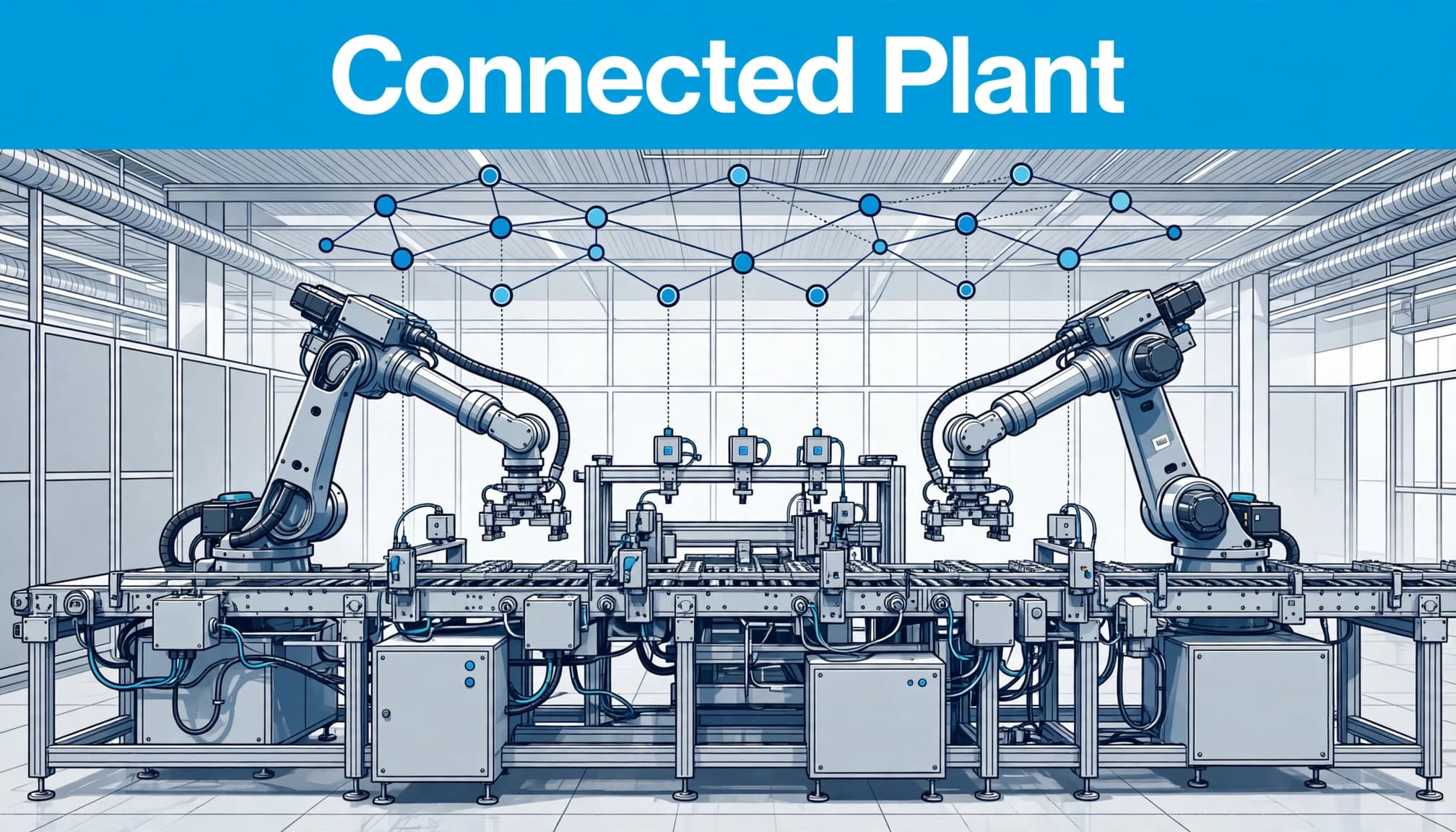
Cloud-connected analytics, predictive maintenance, asset monitoring, digital twins, and AI-assisted diagnostics are becoming more practical. Their output is only as good as the sensor data, timestamps, equipment context, and control practices beneath them.
Cybersecurity, compliance, remote operations, and lifecycle support are now basic selection criteria. They are not optional add-ons for a plant that depends on connected production systems.
Key Takeaways
- Industrial automation software is a stack of connected control, visualization, production, and data tools.
- PLCs and DCS platforms control equipment, while HMI and SCADA give operators visibility and supervisory control.
- MES, historians, and IIoT platforms turn operating data into production, quality, maintenance, and business information.
- The right choice fits the process, existing hardware, open standards, support capability, security design, and long-term cost.
Conclusion
Industrial automation software is a connected stack, not a single application. PLC, HMI, SCADA, MES, historian, and IIoT tools each have a separate job, yet their interfaces determine whether the plant gets useful, trusted information.
Choose based on process needs, installed hardware, interoperability, security, support, and total ownership cost. Map the current architecture, define measurable goals, test shortlisted platforms with real equipment or data, and implement in stages that protect uptime.