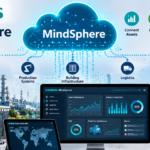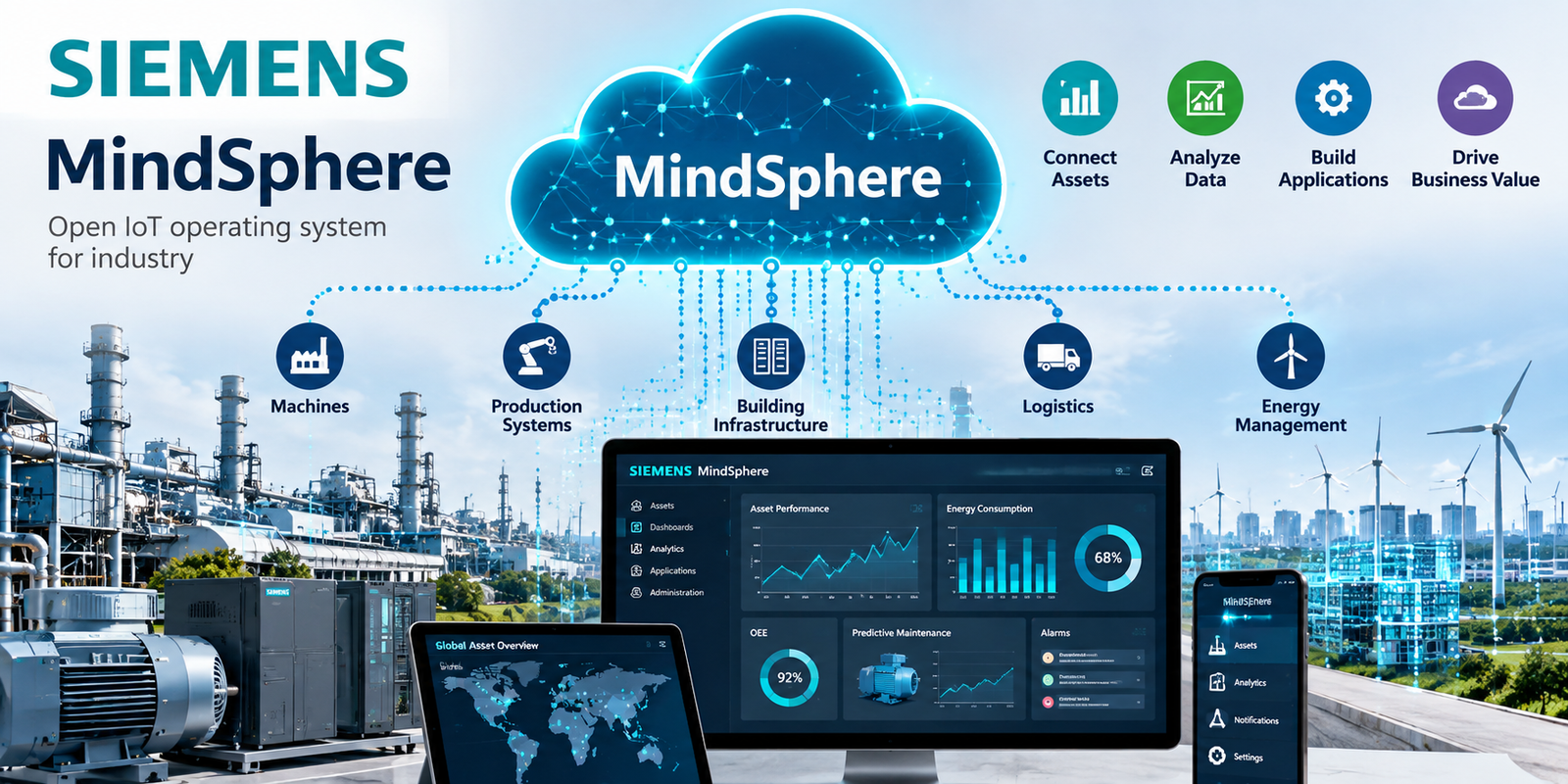
Your machines can generate useful operating data while your team still lacks visibility across the plant. Siemens MindSphere connects industrial equipment and supports analytics, but its current name is Insights Hub.
You’ll still encounter MindSphere in older systems, documentation, application references, and web addresses. Siemens announced the transition to Insights Hub in 2023, and today’s platform involves more than a new product label.
For engineers and plant teams, the practical questions are connectivity, deployment ownership, application compatibility, and migration readiness.
Table of Contents
What Siemens MindSphere Is Called Today, and What It Does
Siemens describes Insights Hub as the evolution of MindSphere. Its April 13, 2023, Industrial Operations X announcement introduced that direction, including the Insights Hub name.
The current Siemens product description focuses on industrial IoT, operational data, and manufacturing improvement. Legacy MindSphere references remain relevant when you maintain existing integrations or follow older technical instructions.
Siemens’ cited materials don’t establish a general platform shutdown date. They do document changes to identity, gateway services, application domains, and connectivity. Those changes require technical review.
How the platform turns machine data into useful insight
At a high level, the workflow is straightforward: connect industrial assets, collect operating data, and analyze that data through applications.
Insights Hub supports asset monitoring, equipment-effectiveness analysis, maintenance, and quality-related use cases. Teams can examine operating conditions and performance trends across connected equipment.
The operational result depends on what happens next. Maintenance staff need a defined response to abnormal conditions. Production teams need reliable context before changing a process.
A dashboard provides visibility. Data quality, ownership, and follow-through determine whether that visibility helps reduce downtime or improve efficiency.
Where MindSphere fits in Siemens Industrial Operations X
Insights Hub is Siemens’ industrial IoT solution within Industrial Operations X and the broader Siemens Xcelerator offering.
Its role is to connect assets and make operational information useful through software and analytics. It doesn’t replace the plant’s PLC control logic or eliminate local engineering responsibilities.
In practice, distinguish the current Insights Hub product name from legacy MindSphere references. A document’s older name doesn’t automatically make its instructions obsolete. Check the relevant component, software version, and migration status before applying them.
How Siemens MindSphere Connects Machines and Moves Data
Siemens MindSphere connectivity depends on compatible interfaces and integration software. Equipment doesn’t have to be manufactured by Siemens, but each connection needs a supported technical path.
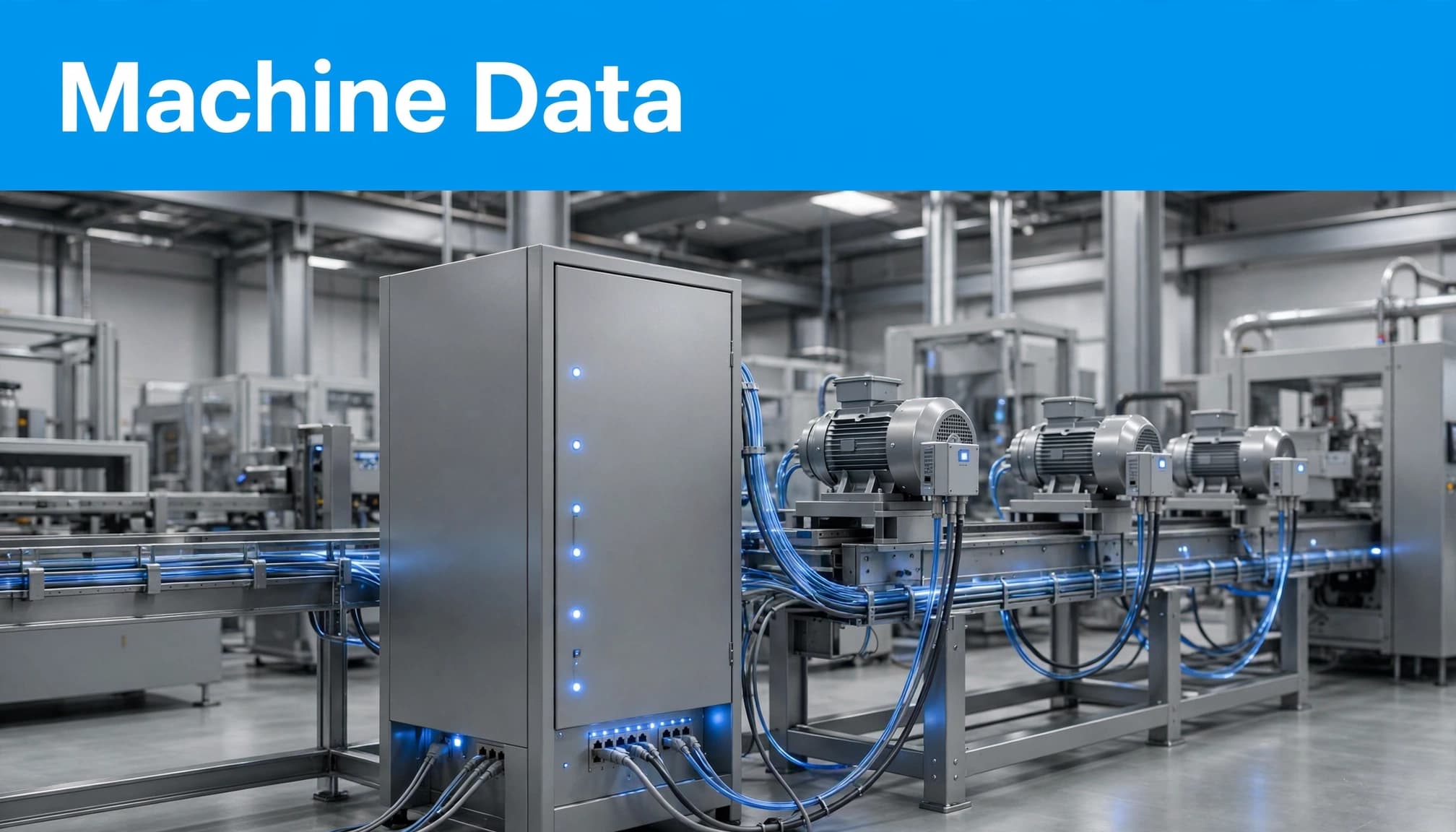
Supported devices, agents, and protocols
Siemens lists MindConnect Nano, MindConnect IoT2040, MindConnect IoT2050, and MindConnect Software Agent among its connectivity options. Software Agent is available for Windows and as a Dockerized version.
MindConnect Nano supports S7 and OPC UA connections. Siemens also describes S7, OPC UA, and MQTT connectivity use cases for its gateway offerings. The Siemens IoT2040 gateway overview provides additional context for brownfield equipment integration.
MindConnect MQTT, MindConnect API, and MindConnect Library provide further integration routes. These options aren’t interchangeable, and availability can differ by deployment or region.
Siemens describes TLS 1.2 protection for communications to and from Insights Hub. Transport encryption still needs to sit within your plant’s broader security controls.
What to check before connecting plant equipment
Start with the interface the equipment exposes. Then validate the gateway, software, and cloud connection together.
Before commissioning, confirm these requirements:
- Verify device support, firmware compatibility, and the protocols available on each asset.
- Review network access, firewall requirements, certificates, and who approves configuration changes.
- Define the signals, timestamps, units, and operating context your applications need.
- Check compatibility with existing gateways, historians, applications, and data-handling processes.
Don’t assume that a supported protocol guarantees a complete integration. Permissions, data models, and configuration still matter.
The goal is a repeatable data connection that your operations team can maintain.
Deployment Options and Infrastructure Responsibilities
Deployment affects who maintains infrastructure, controls networking, and resolves service issues. Siemens describes Public Cloud, Virtual Private Cloud, and Local Private Cloud options.
The Siemens deployment guidance separates infrastructure ownership from software management. That distinction matters when IT and operations agree on support responsibilities.
The main responsibility split is:
| Deployment | Infrastructure and networking | Platform software |
|---|---|---|
| Public Cloud | Siemens-managed infrastructure | Siemens-managed |
| Virtual Private Cloud | Azure or AWS infrastructure with customer control of infrastructure and virtual networking | Siemens-managed |
| Local Private Cloud | Customer-provided and maintained local infrastructure | Siemens-managed |
The choice changes operational ownership, not just the hosting location.
Public Cloud reduces the infrastructure work assigned to your team. You still need to evaluate connectivity, access governance, and contractual requirements.
Virtual Private Cloud gives the customer control over cloud infrastructure and virtual networking. That brings additional coordination around networking, cloud administration, and support boundaries.
Local Private Cloud uses infrastructure that the customer provides and maintains. Your team needs a clear plan for capacity, maintenance, and infrastructure availability.
Before selecting a deployment, document who owns network changes, infrastructure incidents, access approvals, and escalation. Confirm which connectivity services and applications are available in that environment. A feature available in one deployment shouldn’t be assumed available everywhere.
Industrial Applications, Capability Packages, and Pricing
Insights Hub can support Siemens applications, partner solutions, and customer-built industrial apps. The right combination depends on the operational problem and your team’s development capacity.
Ready-made solutions and custom industrial apps
Siemens’ Insights Hub capability description covers applications that turn asset and operational data into actionable information.
Ready-made applications can reduce development work when their functions match your requirements. Custom applications provide another route when you need specialized workflows or integrations.
Siemens documentation references Developer Cockpit, Operator Cockpit, and DevOps Cockpit. Its capability-package product sheet describes DevOps Cockpit as combining functions previously handled through Developer Cockpit and Operator Cockpit.
That material also identifies functions associated with Standard and Premium packages. Other Siemens materials use package names including Essentials, Standard, and Advanced.
Treat those names as document-specific references. Confirm the current package, included functions, deployment availability, and application entitlements before purchasing.
What pricing information is public
Siemens describes capability packages and add-ons, but its cited materials don’t provide a universal public numerical list price.
Request a quote for your deployment, region, connectivity requirements, applications, and expected usage. Ask which capabilities are included and which require additional commercial agreements.
Total cost also includes implementation work. Gateway configuration, application integration, firmware maintenance, and support ownership can affect the project budget.
When comparing industrial IoT platforms, evaluate those responsibilities alongside subscription costs. A price comparison has limited value if the platforms require different amounts of engineering work.
The buying decision should connect a defined operating problem with a supported technical design and a clear commercial scope.
How to Plan a MindSphere-to-Insights Hub Transition
Existing Siemens MindSphere users need to review their implementation against the current migration requirements. Start with Siemens’ documented customer transition process, then identify which changes affect your environment.
Migration planning covers service compatibility and continuity. The documented transition shouldn’t be interpreted as a general end-of-service announcement.
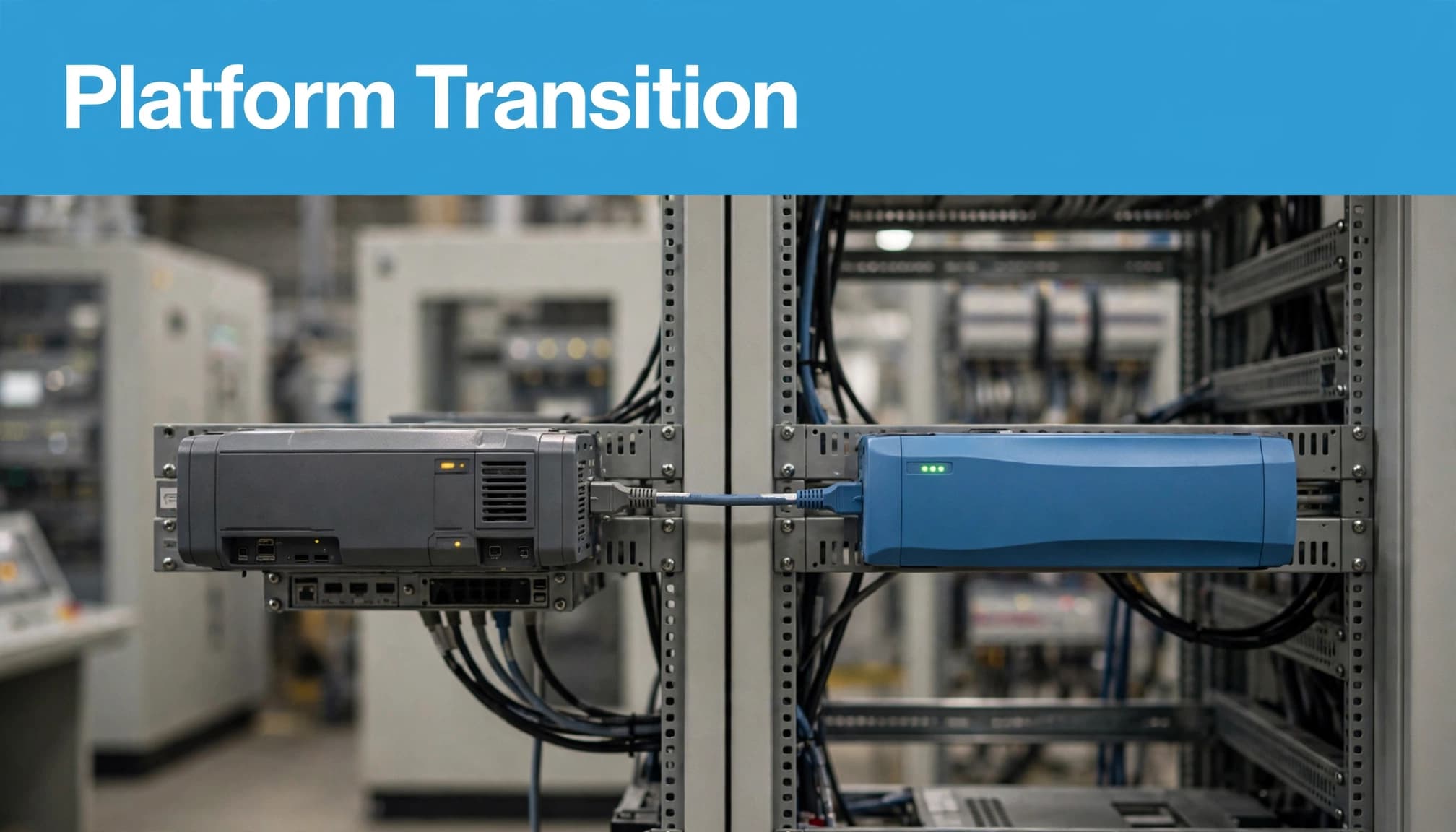
Review identity, gateway services, and application endpoints
Siemens documents migration involving Siemens Xcelerator identity and gateway services. Authentication flows, application access, endpoint configuration, and API paths therefore need review.
Migrated applications use siemens.app domains. Check any configuration that depends on older application addresses, including approved domains and integration settings.
Assign an owner to each affected application and gateway. Record the configuration change, validation method, and support contact before scheduling production work.
A successful login is only one test. Validate data ingestion, application access, and the integrations that operations relies on.
Validate tenant identifiers and application compatibility
Siemens’ migration guidance describes tenant identifiers changing from an 8-character string to a 10-digit number. Applications that use tenant IDs need to support both formats during the transition.
Review tenant identifiers in configuration, application logic, and integrations. Pay attention to assumptions about identifier length or format.
Check customer-built apps and partner applications separately. Their migration readiness may depend on different owners, release schedules, or configuration changes.
Applications that depend on tenant IDs need transition-compatible handling; changing the visible product name doesn’t resolve identifier assumptions in software.
Keep a record of what was tested and which system owner accepted the result. This provides a usable support reference after migration.
Connectivity Firmware and the 2026 Migration Milestones
Gateway firmware is another part of the transition. Siemens’ connectivity migration documentation lists dual-endpoint-compatible firmware as available beginning in April 2026.
The same guidance lists automated firmware upgrades through the end of September 2026. After that period, affected devices require manual firmware installation.
As of October 2026, that documented automated-upgrade window has passed. If devices remain unprepared, plan around the manual installation requirements and verify the latest instructions with Siemens.
These dates describe connectivity migration milestones. They don’t establish a shutdown date for the entire platform.
Before scheduling work, inventory the affected devices and record their firmware versions. Confirm whether each device has received the required update rather than assuming an automated upgrade completed.
Coordinate installation with the people responsible for plant networking, gateway administration, and production availability. Review the relevant installation procedure and the validation steps needed afterward.
Where Siemens’ migration guidance requires old and new endpoints during the transition, verify that the device firmware and network configuration support both.
After installation, confirm that data reaches the intended tenant and remains available to dependent applications. Record failures, configuration changes, and recovery actions.
The practical objective is continuity of usable operating data. Firmware status, endpoint compatibility, and application validation all need to agree before the transition can be considered complete.
Conclusion: Evaluate the Platform and the Implementation Together
Siemens MindSphere, now Insights Hub, connects industrial equipment and supports better use of operational data. Its practical value depends on implementation fit: supported connectivity, clear deployment responsibilities, suitable applications, and a justified cost.
Existing users also need to validate identity changes, tenant identifiers, endpoints, and gateway firmware. Confirm current product, support, migration, and commercial details with Siemens before committing to a deployment or transition.
Machine data becomes useful when your team can trust it, access it, and act on it.