A packaging line that’s been running for 15 years can still be a money-maker. The problem is that older machines often keep their best data trapped behind serial ports, vendor screens, or a PLC network that never leaves the cabinet.
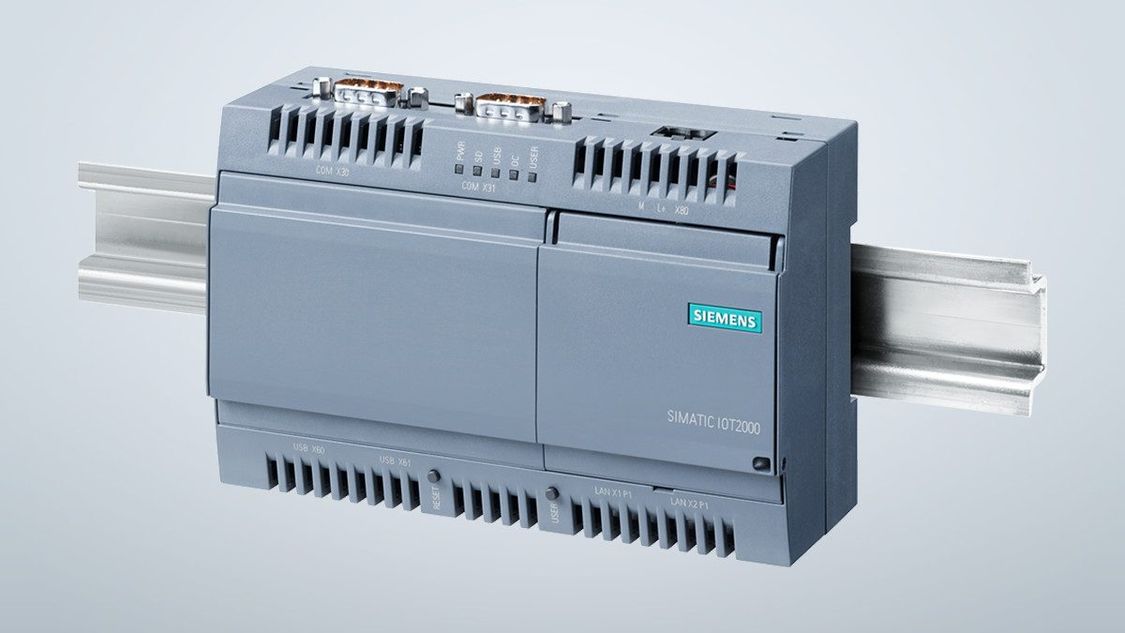
The Siemens IoT2040 solves that specific problem. It’s an industrial gateway that sits close to equipment, pulls data over Ethernet or serial, converts it into IT-friendly formats, then forwards it to plant systems or cloud tools.
This guide covers what it is (and isn’t), the ports that matter, the software stack, and the checks that prevent ugly surprises during install.
What the Siemens IoT2040 actually is, and where it fits on a network
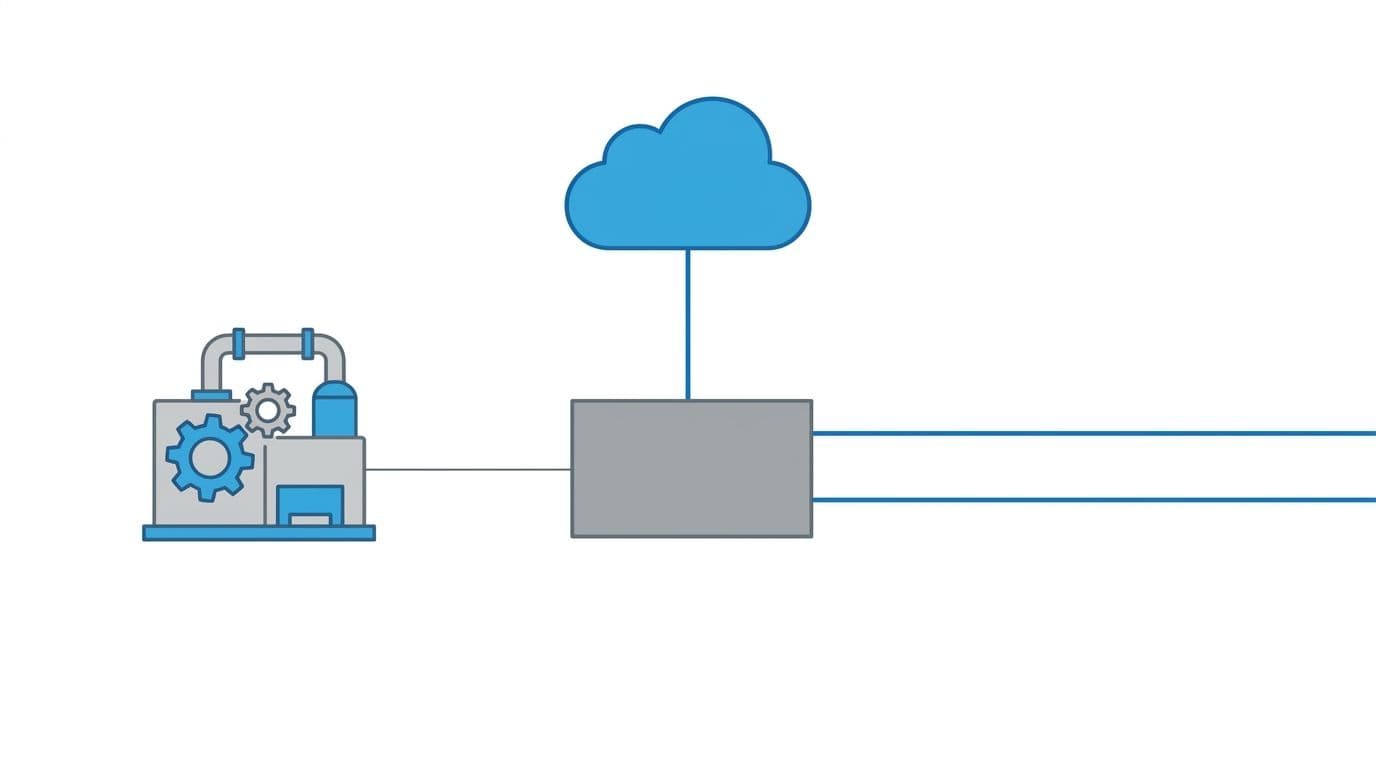 An example of how a gateway can bridge legacy machine signals to plant networks and cloud systems, created with AI.
The Siemens IoT2040 is an edge gateway, not a PLC and not a SCADA server. Think of it as a small, always-on computer designed for control cabinets. You mount it near the machine, connect it to the “machine side” network (or a serial device), then connect it to the plant network on the other side.
That placement is the whole point. You get a controlled bridge between OT traffic and IT destinations. In practice, teams use the IoT2040 for three jobs: data collection, light edge processing (filtering, buffering, simple transforms), and secure forwarding.
It’s built for industrial conditions, so it expects 24 V DC power and continuous operation. The hardware is modest, but stable, and that’s often the right trade for gateways. For a manufacturer reference on positioning and capabilities, the SIMATIC IOT2040 datasheet (PDF) is still the cleanest overview.
Common setups: retrofitting older equipment, adding a data tap, or doing simple edge logic
- Serial retrofit: Read RS-232 or RS-485 data from a legacy drive, scale, or power meter, then publish the values upstream.
- Polling field devices: Query Modbus TCP or Modbus RTU devices on a schedule, then normalize tags and timestamps.
- Forwarding control data: Pull PLC tags (for example, S7 data) and publish to MQTT so a historian or dashboard can subscribe.
The best part is the “start small” path. You don’t need to replace the machine to start collecting useful signals.
IoT2040 vs IoT2020 vs IoT2050, how to pick the right box
IoT2040 is popular when you need dual Ethernet plus serial in a proven box. Still, it’s an older model, so it’s worth a quick comparison.
Here’s a simple decision table based on what installers usually care about:
| Model | When it fits best | Practical decision point |
|---|---|---|
| IoT2020 | Lab, pilot benches, light industrial | Often chosen when harsh mounting and serial options aren’t the priority |
| IoT2040 | Brownfield equipment, cabinets, serial-heavy sites | 2 Ethernet ports and 2 serial ports in one industrial form factor |
| IoT2050 | Newer rollouts needing more headroom | Consider it when you want a newer lifecycle and more performance |
If your broader project includes platform selection, the gateway choice ties into the software stack. This overview of industrial IoT platform vendors in 2026 helps frame what matters once data leaves the cabinet.
Hardware and connectivity basics you should know before wiring anything
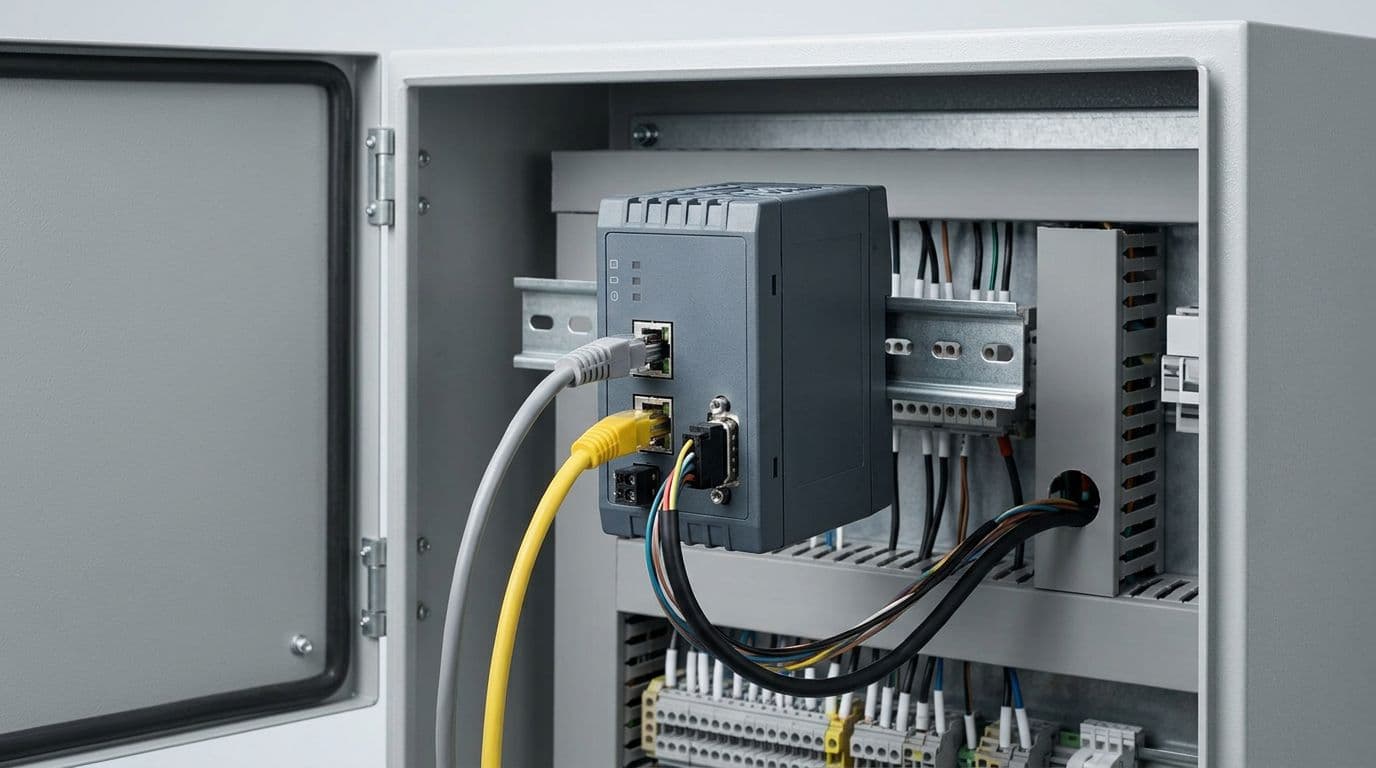 An example of a compact gateway mounted in a control panel with Ethernet and serial connections, created with AI.
Before you plan protocols, verify the physical realities. The IoT2040 uses an Intel Quark x1020 CPU, includes 1 GB RAM, and typically boots from a microSD card (Siemens documentation commonly references microSD up to 32 GB). It also includes features you want in unattended gear, such as a watchdog and a battery-backed real-time clock.
Power is another common miss. The IoT2040 expects 24 V DC from an industrial supply, not a wall adapter. Also confirm temperature and cabinet airflow early, especially if the panel runs warm.
For wiring, commissioning, and official environmental limits, rely on the Siemens operating instructions (PDF). That manual is where the practical constraints live, like connector details and mounting guidance.
Ports and protocols, what you can connect on day one
The IoT2040 gives you a mix that’s designed for brownfield work:
- 2 Ethernet ports (10/100): commonly used to separate machine-side traffic from the plant network.
- 2 serial ports (switchable RS-232/422/485): the fastest path to value when the only “interface” is a serial stream.
- USB host and USB device: often used for commissioning or peripherals.
- microSD slot: typically where the OS, logs, and buffering live.
From a protocol view, teams often pair those ports with Modbus TCP/RTU, Siemens S7 communications, OPC UA (when you have an OPC UA server upstream), and MQTT or AMQP for publish and subscribe patterns. Serial matters because it keeps old assets useful. Dual Ethernet matters because it supports cleaner segmentation and simpler firewall rules.
Gotcha: treat dual Ethernet like a design tool, not a convenience. Map which side is trusted, then lock down routing so the gateway doesn’t become an accidental bridge.
Expansion options: Arduino shields and mPCIe, when they help and when they don’t
Siemens designed the IoT2040 to support add-ons, including Arduino shields and mPCIe cards. That can be helpful, but it adds test scope.
Two realistic examples:
- A shield that adds simple sensor I/O for a pilot, when you don’t want a full remote I/O rack.
- An mPCIe connectivity option (such as wireless or cellular), when your site can’t provide Ethernet where the machine sits.
The caution is straightforward: validate industrial temperature ratings, driver support under your Linux image, and long-term part availability. A gateway that can’t be patched or replaced consistently becomes a maintenance debt.
Software, security, and data flow, how the IoT2040 moves data safely
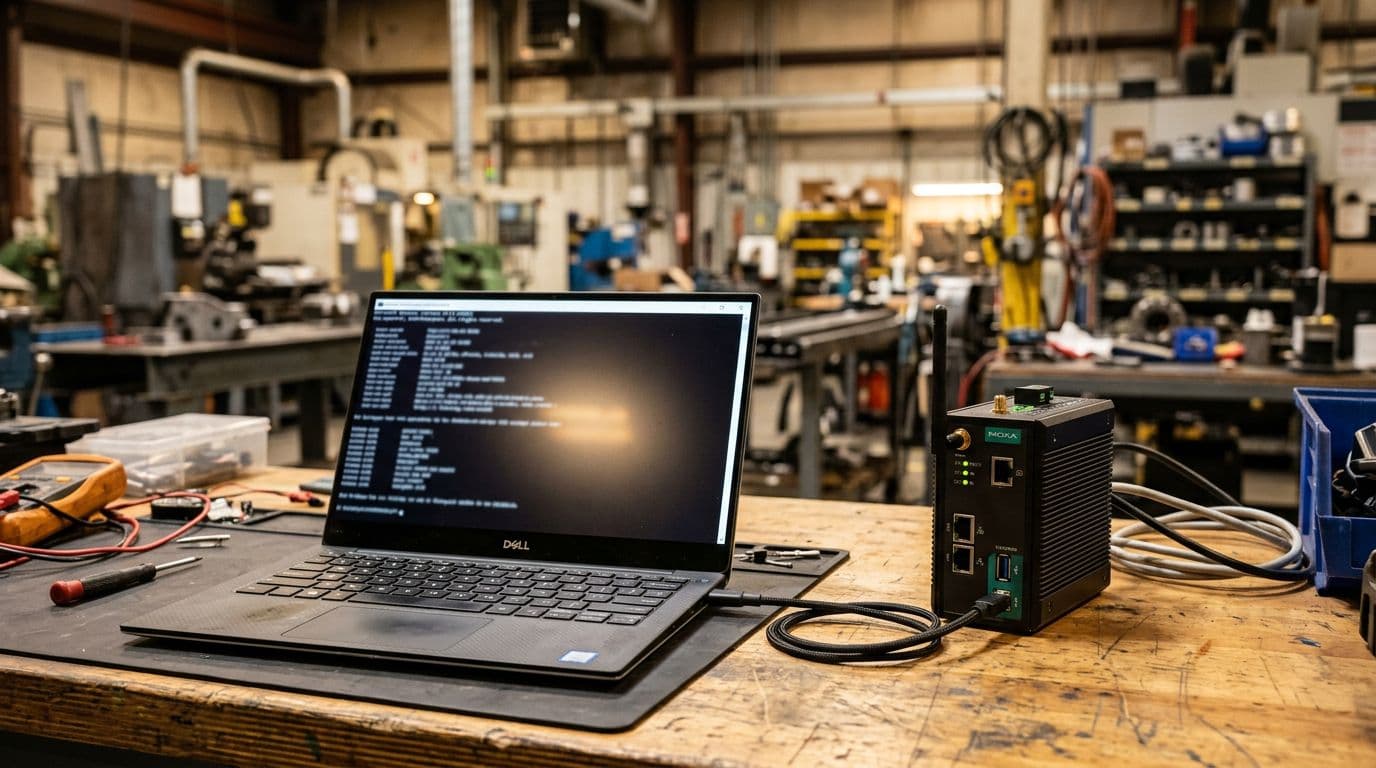 Commissioning workbench example for a Linux-based industrial gateway, created with AI.
The IoT2040 runs Yocto Linux, so you can build custom applications and control exactly what’s installed. Most deployments follow the same data pattern: read from the machine, clean it (units, timestamps, tag naming), buffer when links drop, then publish to a server or cloud endpoint.
Because Siemens doesn’t publish one universal “datapoints per second” number for every workload, sizing comes down to your protocol mix, polling rates, and buffering needs. As a result, pilots should use real tag counts and real message sizes, then measure CPU, RAM, and storage usage under normal and upset conditions (network loss, burst traffic, device resets).
If you plan to connect to Siemens’ cloud tooling, Siemens provides a dedicated plugin manual. The Insights Hub MindConnect IoT2040 manual (PDF) is useful because it documents onboarding flow, roles, and protocol configuration details.
Yocto Linux on the Siemens IoT2040, what that means for your team
Linux gives you flexibility: SSH access, standard tooling, and common language options like C or Python (depending on your build). That makes integration easier when you need custom parsing for a vendor serial stream, or when you want to add local buffering and retry logic.
The tradeoff is ownership. Your team must manage images, package versions, backups, and a safe update method. Also, hardware access libraries (such as MRAA in Siemens examples) can simplify GPIO and shield access, but they still need version control and testing like any other dependency.
Security features that matter in a plant network
Security on a gateway is mostly about habits and boundaries. The IoT2040 platform supports secure boot concepts at the hardware level, but daily security depends on how you deploy it.
Start with these practical steps:
- Change default credentials and disable unused accounts.
- Use encrypted transport where supported (for example, TLS for MQTT).
- Separate networks with VLANs or firewall rules, then document allowed flows.
- Store keys and certificates with care, and rotate them on a schedule.
- Log what the gateway sends out, then review logs during the pilot.
On mixed OT and IT teams, clarity beats fear. Agree on who owns patching, who owns certificates, and what “offline mode” should do.
Conclusion
If you need serial plus Ethernet, want a small always-on gateway, and your team is comfortable maintaining Linux-based edge apps, the Siemens IoT2040 can still be a strong fit for brownfield data capture. Confirm your protocol list early (Modbus, OPC UA, S7, MQTT), then validate wiring, storage, and security boundaries before scaling.
Pilot on one machine first, measure data quality and network impact, then roll the same pattern across the line. That’s how a quiet gateway turns old equipment into usable data without ripping anything out.