A warehouse can feel like a library where the books keep moving. One day, a picker can’t find an item that “shows 12 on hand.” Next, a customer order ships late because a pallet was put in the wrong aisle. Then someone spends Friday counting bins to figure out what’s real.
Warehouse inventory management software fixes that kind of chaos by tracking what you have, where it sits, and what moves next. It connects receiving, put-away, picking, shipping, and returns into one live record. By the end of this guide, you’ll know what the software should do on the floor, which 2026 features matter, how to pick the right system, and how to roll it out without upsetting your team.
This applies to small warehouses, fast-growing e-commerce brands, 3PLs, and multi-location operations. If you handle physical inventory, you need a source of truth that doesn’t rely on memory.
What warehouse inventory management software does day to day (and what it doesn’t)
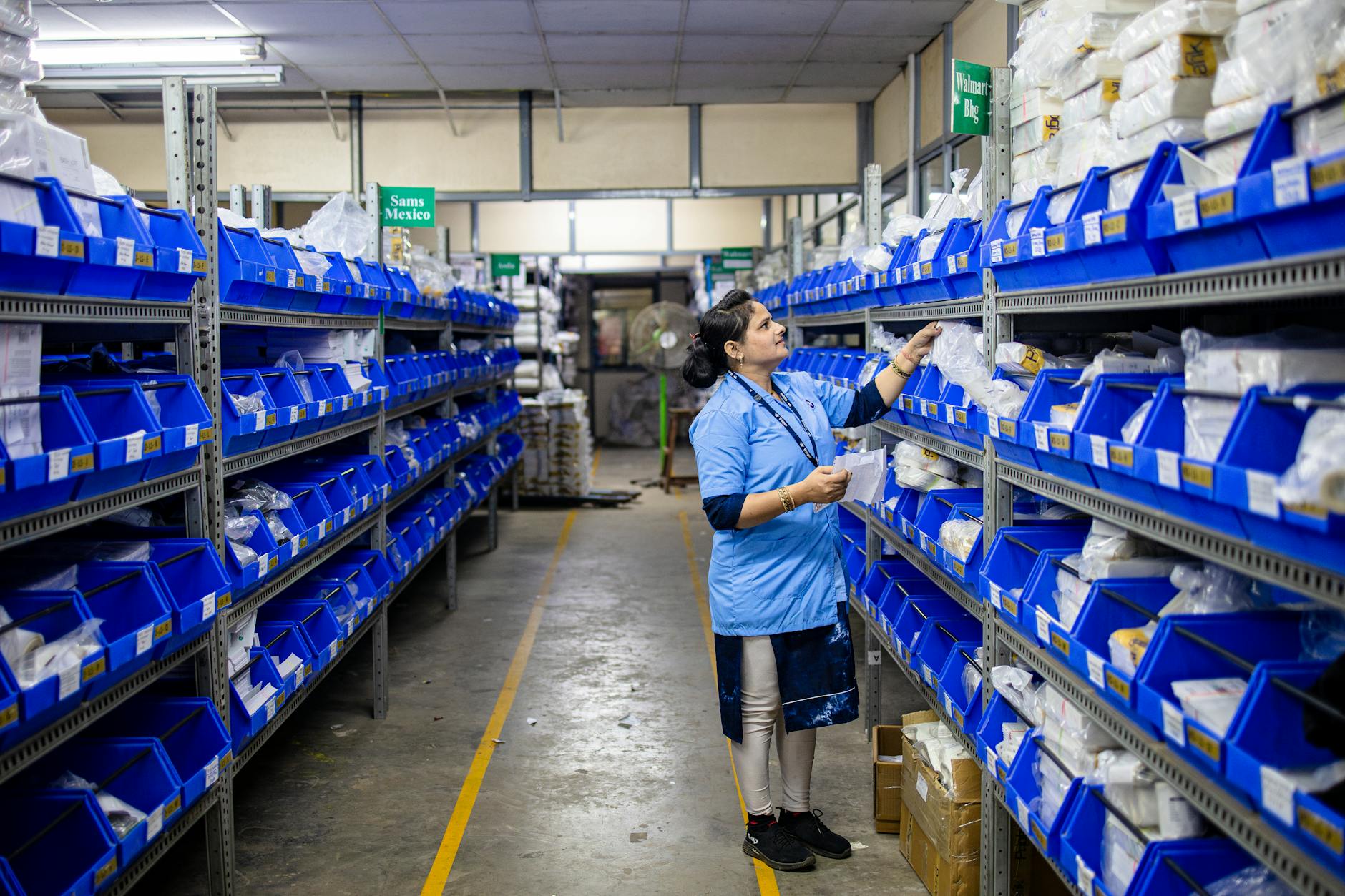 Photo by EqualStock IN
On a normal day, the software acts like traffic control for product. It records every stock change event: receiving a carton, moving a case to a bin, picking a unit for an order, marking damage, or processing a return. Good systems do this with scans, not typing, because humans type fast when they’re wrong.
It also enforces rules. For example, it can block shipping from “quarantine” status, require lot capture for regulated goods, or stop a picker from pulling from the wrong location. In other words, it doesn’t just store data, it reduces bad moves.
What it doesn’t do: it won’t fix broken processes by itself. If receiving skips checks, the system will mirror that error. If locations aren’t labeled, the software can’t guess where pallets sit. Software is the record and the guardrails, not the forklift.
Before you buy, get clear on the category you need. This quick table helps prevent a common mistake: buying either too little (no warehouse control) or too much (ERP complexity).
| System type | Best for | Typical warehouse scope | Common gaps |
|---|---|---|---|
| Inventory management software | Basic stock control and ordering | Simple locations, light picking | Weak bin control, limited scanning |
| WMS features (within a platform) | High-volume pick/pack/ship | Bins, waves, task queues | May need integration work for accounting |
| Full ERP | End-to-end finance + operations | Warehouses plus purchasing, GL, MRP | Longer setup, heavier training |
A practical reference point is the 2026 focus on faster picking and fewer errors, which shows up across many warehouse management software playbooks.
The basic workflow it should support: receive, put away, pick, pack, ship, and returns
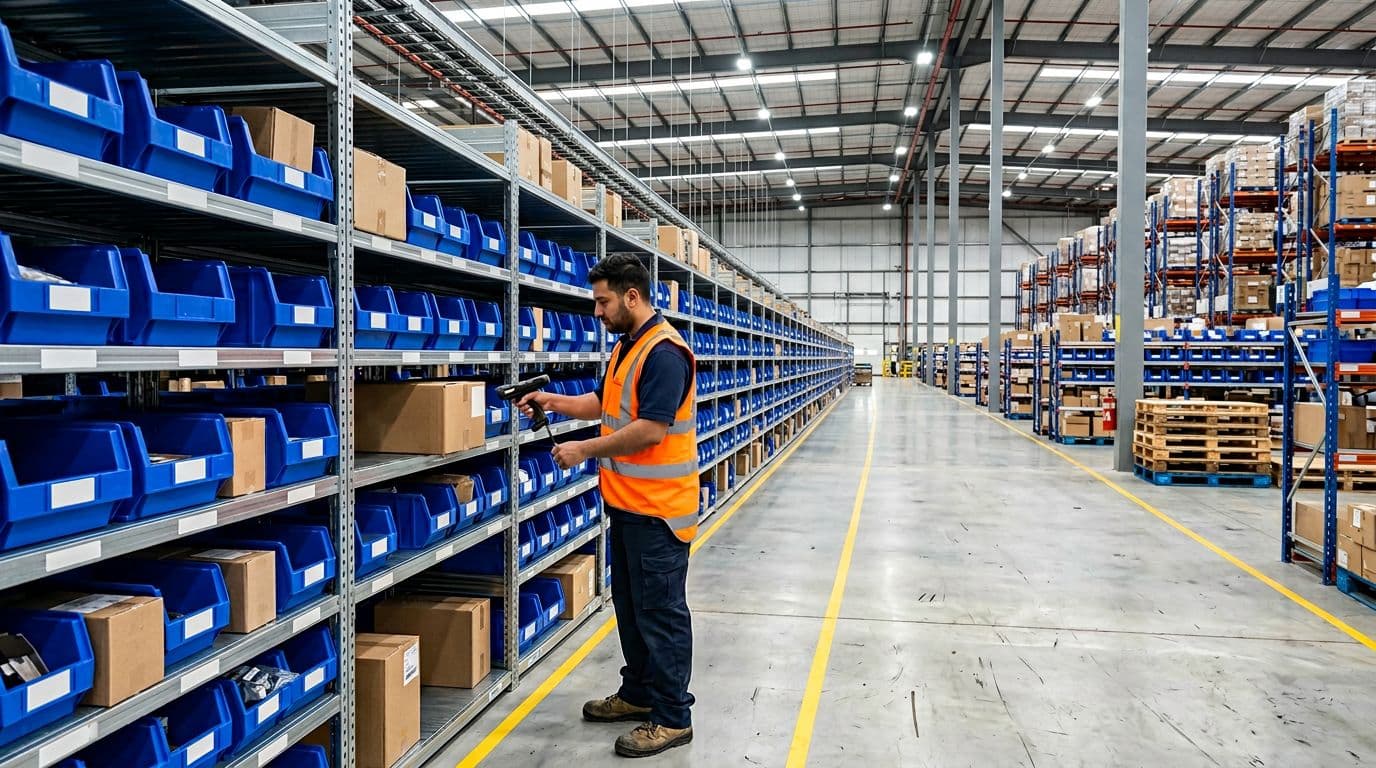 Receiving and scanning a carton so that inventory updates in real time.
At minimum, the system should support this workflow in order:
- Receive: Capture item, quantity, and condition. If needed, capture lot, serial, and expiration.
- Put away: Assign a bin location (and often a recommended one). Record who moved it and when.
- Pick: Confirm the picker pulled the right SKU from the right bin. Support unit-of-measure rules (each vs case).
- Pack: Validate order contents, then print labels and documents.
- Ship: Confirm carrier, tracking, and ship time. Decrease on-hand, increase shipped history.
- Returns: Route items to sellable, quarantine, refurb, or scrap, with clear status.
A simple scan example: receiving scans a carton barcode, then scans bin “A-03-02.” The software immediately moves 24 units from “inbound” to “available” in that bin. If an order drops in two minutes later, the picker sees the same number the receiver just created.
Common myths that lead to bad purchases
Excel works until the moment it doesn’t. The real cost shows up as missed shipments, rushed replenishment, and angry customer emails.
A few myths cause expensive buying decisions:
- “We only need it for counts.” If the system isn’t used in daily moves, counts become a monthly argument.
- “Any tool integrates later.” Some systems treat integration as a custom project. That means cost and delays.
- “More features always means better.” Extra modules can slow training and hide core problems like bad location data.
If your team can’t trust bin-level accuracy, every “smart” feature sits on sand.
Features that actually move the needle in 2026
 An inventory dashboard view that highlights stock levels and alerts.
In 2026, most teams aren’t asking for fancy reports first. They want fewer mispicks, fewer stockouts, and less time spent reconciling systems. That pushes buyers toward cloud tools with real-time updates, better forecasting, and support for automation. You’ll also see more “AI” labels, but the best wins still come from strong basics.
For a broad snapshot of what vendors are prioritizing this year, see these inventory management trends for 2026. Use trend articles as context, then validate each claim in a demo.
Real-time tracking with barcodes or RFID so numbers match the shelf
Real-time tracking means every stock change posts immediately, not at the end of a shift. That matters because delayed syncing creates “ghost inventory.” A picker walks to a bin that looks full in the system, but it was emptied an hour ago.
Look for strong support for:
- Mobile scanning on dedicated scanners and phones
- Bin-level tracking with status (available, allocated, damaged, quarantine)
- Cycle counts driven by rules (high movers counted more often)
- Alerts when inventory goes negative or a pick hits the wrong bin
RFID can help in certain layouts, but barcodes still carry most warehouses. Either way, the goal is the same: the shelf and the system agree.
Smart forecasting and reordering that prevents both stockouts and overstock
Forecasting sounds mysterious, but the inputs are plain: past sales, seasonality, lead times, and current stock. The software predicts what you’ll need, then recommends reorder points and quantities.
Still, don’t hand over the keys on day one. Start with your top SKUs, confirm lead times, then review suggestions weekly. As your data improves (fewer backdated receipts, fewer manual edits), the recommendations improve too. In practice, this protects cash flow because you buy less panic stock and reduce dead inventory.
Easy integrations that remove double entry across e-commerce, ERP, and 3PLs
If two systems show different on-hand numbers, your team will fight the software instead of using it. That friction creates late shipments, oversells, and refunds.
A solid system should integrate with the tools you already run:
- Order sources (Shopify, Amazon, marketplaces)
- Purchasing and accounting (ERP or accounting software)
- Shipping label tools and carriers
- 3PL feeds if you outsource overflow or certain regions
Also decide your source of truth. For example, the warehouse system can own on-hand and bins, while the ERP owns financial valuation. Clear ownership prevents “sync wars.”
Automation-ready tools: pick paths, wave picking, and support for robotics
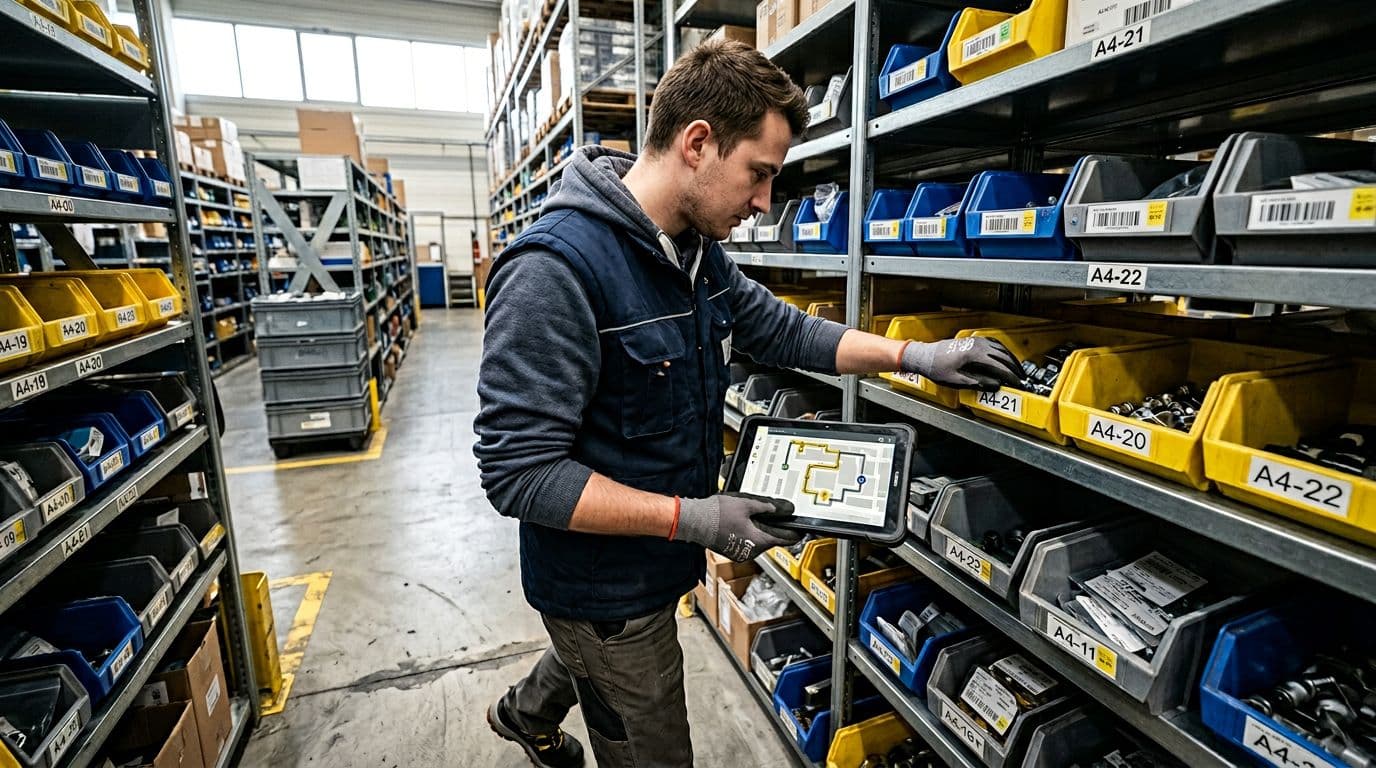 Picking is guided by an optimized route on a mobile device.
Even without robots, software can cut walking. Pick-path optimization groups picks by zone and aisle. Wave picking batches orders so a picker makes one loop instead of ten. Task queues help supervisors assign work based on priority, labor, and dock schedules.
If you plan for automation later, check whether the platform can send work to devices, conveyors, or robot fleets. You don’t need robots to benefit from automation-ready design. You just need consistent events, clear locations, and a system that can create and track tasks.
What’s new: digital twins and Gen AI helpers (when they’re worth it)
 Testing warehouse layout changes in a simulated model.
A digital twin is a virtual model of your warehouse that uses real data. Teams use it to test slotting changes, labor plans, and automation ideas without moving a single rack. It’s useful when your warehouse is complex, you change layouts often, or you’re planning a new site.
Gen AI helpers are also showing up as chat-style search. Think: “Where is SKU 1832 and what orders need it?” That can save time, but only if your data is clean.
A simple rule helps avoid wasted spend: pay extra only if you’ll use it weekly and your process owners will maintain data quality.
How to choose the right system without getting overwhelmed
Vendor demos can feel like watching someone drive a sports car on an empty road. Your warehouse is rush hour. So, the selection process should start with your constraints, not the feature list.
Also, treat “trend” claims as prompts for questions. For another view of what’s driving WMS choices in 2026, this summary of WMS trends shaping 2026 can help you build a smarter demo script.
Start with your operation: SKU count, order volume, locations, and tracking needs
Write down a short profile of your warehouse. Keep it factual, not aspirational:
- Approximate SKU count and how often SKUs change
- Daily order volume (average and peak)
- Whether you need lot, serial, or expiration tracking
- Number of bin locations (or how many you plan to label)
- Number of warehouses and transfer frequency
- Seasonality swings and promo spikes
- Return rate and how you grade returns (restock vs refurb vs scrap)
These facts drive the right feature set. For example, lot tracking and expiration control are non-negotiable for food, supplements, and many regulated categories. Meanwhile, high returns push you to stronger disposition workflows.
Questions to ask in demos so you don’t learn the hard way later
A demo should prove behavior under stress, not just show screens. Ask questions tied to real events:
- How do you process returns, and how do you prevent sellable stock from mixing with quarantine?
- Can we scan on phones, and what’s the recommended scanner setup?
- What happens when Wi-Fi drops, is there offline capture and later sync?
- How do cycle counts work, and can we trigger counts by location, SKU, or variance risk?
- Can we restrict user roles (receiver vs picker vs supervisor)?
- Which reports are built in (inventory aging, fill rate, pick accuracy, stockout history)?
- How do integrations work: API, native connectors, or both, and how do you monitor failures?
If a vendor can’t show receiving to shipping in one flow, assume you’ll patch it later.
Pricing and total cost: licenses, devices, labels, integrations, and support
Pricing models vary: per user, per warehouse, per order, or by module. Month one can look cheap, then the real costs arrive.
Build a 12-month view that includes:
- User licenses, plus seasonal users if needed
- Scanners, printers, batteries, and mounts
- Label stock (bin labels and product labels)
- Implementation fees and data migration
- Integration setup (especially if you need custom fields)
- Training time for receivers, pickers, and supervisors
- Ongoing support tiers and SLAs
When two options cost the same, prefer the one that reduces manual work. Manual work is a hidden subscription your payroll pays every day.
Implementation that sticks: a simple rollout plan your team will follow
Most failures don’t come from bad software. They come from weak data, unclear ownership, and training that assumes everyone learns the same way. A rollout should feel boring and controlled, because that’s how you protect shipping.
Industry commentary on warehouse systems keeps returning to the same themes: accuracy, visibility, and automation readiness. This view of warehouse and transportation system trends for 2026 aligns with what many operations teams see on the floor.
Clean your item and location data first, or the software will look “wrong”
Start with a data cleanup sprint, even if it hurts. Standardize:
- SKU naming and descriptions
- Units of measure (each, inner pack, case, pallet) and conversions
- Barcodes (GTIN, internal codes) and which barcode you trust
- Bin label format (Aisle-Rack-Level-Bin) and consistent spelling
- Default reorder points, lead times, and safety stock rules
Avoid common traps: duplicate SKUs, missing case-pack rules, and mixed location naming (like “A1” vs “A-01”). Those errors create false variances, and then people stop trusting scans.
Train in small steps and measure results with a few simple metrics
Train in phases that match real work. First, make receiving solid, because everything else depends on it. Next, move to picking. Then add cycle counts. Finally, turn on reorder workflows.
Run a pilot zone for two to four weeks, using your top SKUs. Assign an owner for each process (receiving lead, picking lead, inventory control). Then track a small set of metrics:
- Inventory accuracy (system vs physical)
- Pick accuracy (mispicks per 1,000 lines)
- Order cycle time (order released to shipped)
- Stockouts and backorders
- Shrink and damage rates
When a metric moves the wrong way, treat it like a root-cause problem, not a blame problem. Most fixes are simple: better bin labels, better scan discipline, or clearer statuses.
Conclusion
Warehouse work punishes guesswork, so the goal is simple: one trusted record of what you have and where it sits. Choose warehouse inventory management software that matches your daily workflow, then get real-time tracking working first. After that, add forecasting, integrations, and automation tools that your team will actually use.
Write down your must-haves today, book two demos, and run a small pilot with your top SKUs before you commit. Your future self will thank you the next time orders spike and the numbers still hold.