Introduction
If you are working with Schneider Electric devices, chances are you’ve come across the TH110 wireless temperature sensor and the PAS600 data concentrator. These two devices are commonly used in smart electrical monitoring systems to ensure safe and efficient energy management. However, sometimes the pairing between TH110 and PAS600 may fail due to network resets, firmware updates, or incorrect configurations.

In this detailed guide, we’ll explain how to re-pair Schneider make TH110 to PAS600, including prerequisites, step-by-step instructions, troubleshooting tips, and best practices. By the end of this article, you’ll have a clear understanding of how to restore seamless communication between your devices.
Understanding the Devices
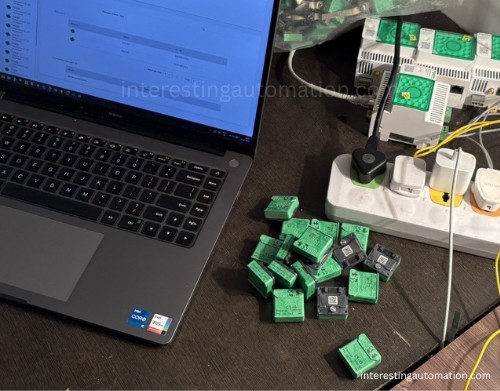
What is the Schneider TH110?
The TH110 is a wireless temperature sensor designed by Schneider Electric. It plays a crucial role in monitoring:
- Temperature of busbars, circuit breakers, and critical electrical components
- Overheating risks in switchgear panels
- Preventive maintenance for electrical systems
The TH110 works wirelessly, transmitting data to a concentrator like the PAS600, ensuring that facility managers can take proactive actions before failures occur.
What is the Schneider PAS600?
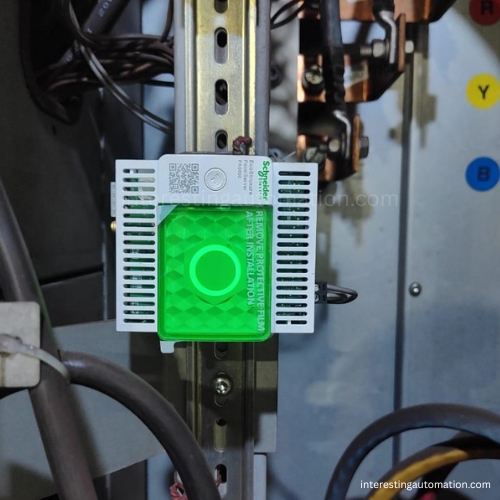
The PAS600 (Panel Server) acts as a data concentrator and gateway for multiple Schneider smart devices, including TH110 sensors. Its functions include:
- Collecting real-time data from connected sensors
- Sending data to EcoStruxure Facility Expert or Power Monitoring Expert software
- Ensuring safe and efficient energy management
- Serving as a bridge between field devices and cloud platforms
When both devices are properly paired, the system provides accurate and reliable monitoring. But if the connection is broken, you need to re-pair Schneider make TH110 to PAS600.
Why Do You Need to Re-pair Schneider TH110 to PAS600?
There are several reasons why the connection between your TH110 and PAS600 may fail:
- Power Interruption – If either device loses power, the link may break.
- Firmware Update – Updating PAS600 or TH110 firmware can reset configurations.
- Factory Reset – Performing a reset erases existing pairings.
- Communication Interference – Wireless signals may be disrupted.
- Device Replacement – Installing a new PAS600 requires re-pairing.
- Configuration Errors – Incorrect initial setup.
Knowing the root cause makes troubleshooting easier when re-pairing.
Prerequisites Before Re-pairing
Before starting the process of how to re-pair Schneider make TH110 to PAS600, ensure that you have the following:
- ✔️ A properly powered TH110 temperature sensor
- ✔️ A functioning PAS600 Panel Server connected to the network
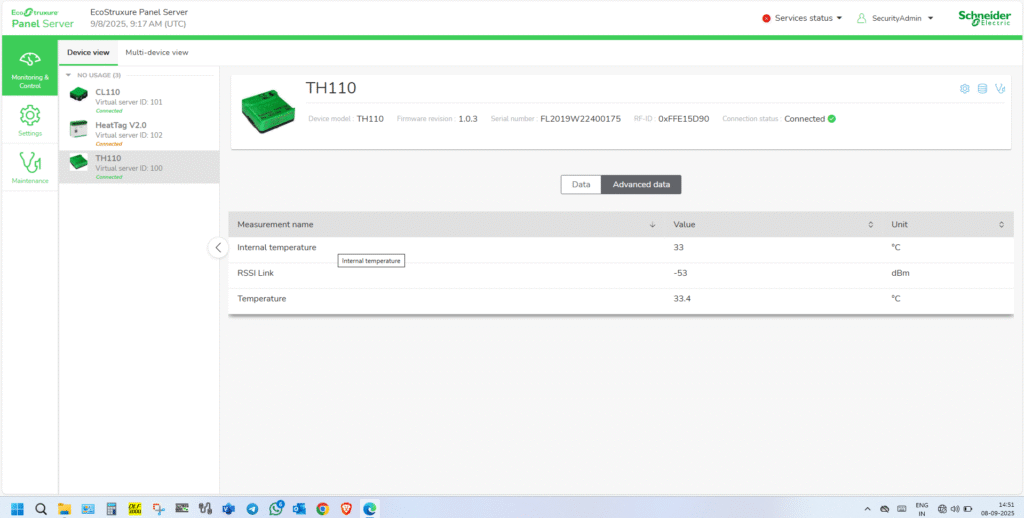
- ✔️ Access to EcoStruxure Power Commission (EPC) software or the Web interface of PAS600
- ✔️ The device MAC address or identification code of TH110
- ✔️ Administrator login credentials for PAS600
- ✔️ Good wireless communication environment (avoid interference)
Step-by-Step Guide: How to Re-pair Schneider Make TH110 to PAS600
Step 1: Access the PAS600 Interface
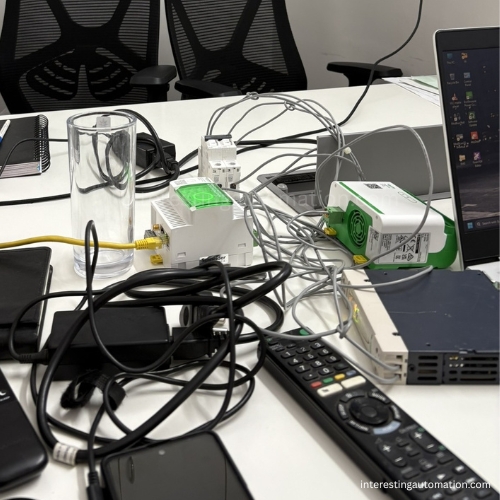
- Connect your laptop or PC to the same network as the PAS600.
- Open a web browser and enter the PAS600 IP address.
- Log in using administrator credentials.
👉 Tip: You can also use EcoStruxure Power Commission (EPC) software if preferred.
Step 2: Prepare the TH110 for Pairing
- Ensure the TH110 is powered on.
- Check the LED indicator on the sensor.
- A blinking light usually means it is ready for pairing.
- If not blinking, perform a reset (refer to Schneider manual).
Step 3: Navigate to Wireless Device Configuration in PAS600
- In the PAS600 interface, go to Device Management.
- Select Add Wireless Sensor.
- Choose TH110 from the list of supported devices.
Step 4: Enter TH110 Identification Details
- Enter the MAC address or sensor ID (found on the TH110 label).
- Confirm the entry and proceed to the pairing step.
Step 5: Initiate Pairing Mode
- On the PAS600, select Start Pairing.
- Within 2–3 minutes, press the pairing button on the TH110 sensor.
- Wait until the devices establish communication.
👉 Expected Result: The PAS600 should display “TH110 successfully paired”.
Step 6: Validate the Connection
- Go to the PAS600 dashboard.
- Check if temperature readings from TH110 are visible.
- If values are updating in real-time, the re-pairing was successful.
Troubleshooting Common Issues
Even when you follow all steps, pairing may sometimes fail. Here are solutions:
Problem 1: TH110 Not Detected
- Ensure the TH110 is within range of PAS600.
- Reset the TH110 and try again.
Problem 2: PAS600 Shows Error During Pairing
- Restart both devices.
- Clear old device memory from PAS600 before re-adding.
- Verify firmware compatibility.
Problem 3: Intermittent Communication Drops
- Avoid electromagnetic interference.
- Ensure firmware of both PAS600 and TH110 is updated.
- Re-position PAS600 closer to sensors.
Problem 4: Multiple Sensors Conflict
- Assign unique IDs to each TH110.
- Pair sensors one by one, not simultaneously.
Best Practices for Reliable Pairing
- Always update firmware before re-pairing.
- Keep a record of all sensor IDs for easy reconfiguration.
- Perform periodic checks to confirm communication stability.
- Maintain clear line-of-sight between PAS600 and TH110 when possible.
- Use EcoStruxure software for easier monitoring and management.
FAQs on How to Re-pair Schneider Make TH110 to PAS600
1. How long does it take to re-pair TH110 with PAS600?
Usually between 2 to 5 minutes, depending on network conditions.
2. Can I pair multiple TH110 sensors to one PAS600?
Yes, the PAS600 supports multiple wireless sensors, including TH110, provided they are within communication range.
3. Do I need EcoStruxure software to re-pair?
Not mandatory. You can use the PAS600 web interface, but EcoStruxure Power Commission offers advanced configuration.
4. What if my TH110 sensor does not respond at all?
Check power supply, reset the sensor, and verify that it has not been physically damaged.
5. Is re-pairing different from initial pairing?
The steps are largely the same, but before re-pairing, you may need to delete old configurations from PAS600.
Advanced Configuration Tips
Once re-pairing is successful, you can enhance performance by:
- Setting alarm thresholds for overheating.
- Configuring data logging intervals.
- Integrating PAS600 data into EcoStruxure Power Monitoring Expert.
- Using cloud connectivity for remote monitoring.
Safety Precautions During Re-pairing
- Always follow Schneider Electric safety guidelines.
- Do not perform pairing near high-voltage equipment without proper protection.
- Use insulated tools when working inside panels.
- Ensure network security to avoid unauthorized access.
Importance of Re-pairing in Smart Energy Management
The ability to quickly re-pair Schneider make TH110 to PAS600 ensures:
- Operational safety by detecting overheating in time
- Reduced downtime in industrial systems
- Improved reliability of smart grids
- Extended lifespan of electrical assets
Pros and Cons of Re-pairing Schneider TH110 to PAS600
When learning how to re-pair Schneider make TH110 to PAS600, it’s useful to understand the advantages and possible drawbacks. Below is a clear comparison:
| Pros | Cons |
|---|---|
| ✅ Ensures accurate temperature monitoring after re-pairing | ❌ Pairing process may take time if multiple sensors are involved |
| ✅ Improves safety by preventing overheating risks | ❌ Requires technical knowledge and access credentials |
| ✅ Restores communication between TH110 and PAS600 quickly | ❌ Wireless interference can disrupt connection |
| ✅ Allows integration with EcoStruxure software for advanced monitoring | ❌ May need firmware updates before successful pairing |
| ✅ Reduces downtime in electrical systems | ❌ Sensor reset may cause temporary data loss |
| ✅ Supports multiple TH110 sensors on one PAS600 | ❌ Physical distance between devices can limit connectivity |
| ✅ Cost-effective way to restore functionality without replacing devices | ❌ Initial setup errors can lead to repeated re-pairing attempts |
In modern facilities, uninterrupted data flow is critical, and proper re-pairing guarantees system continuity.
Re-establishing communication between your Schneider TH110 wireless sensor and PAS600 Panel Server is a straightforward process if you follow the right steps. From accessing the PAS600 interface, preparing the TH110, entering identification details, to validating the connection—every step plays a vital role in ensuring successful pairing.
By applying the troubleshooting techniques and best practices outlined in this guide, you can quickly resolve connectivity issues and keep your smart electrical monitoring system running efficiently.
If you were wondering how to re-pair Schneider make TH110 to PAS600, this guide provides all the details you need to succeed—whether you are a facility manager, technician, or system integrator.